Video Editing for Online Course Creators: How to Make Your Lessons Look Professional
Video Editing for Online Course Creators: How to Make Your Lessons Look Professional
Estimated reading time: 15 minutes
Why Video Quality Directly Affects Course Sales and Completion Rates
There is a moment every online course creator experiences — you have spent weeks building a curriculum, the knowledge is solid, the structure makes sense, and then someone leaves a review that says: “Great content, but the video quality made it hard to stay engaged.”
That stings, but it is also one of the most honest pieces of feedback you can receive. Video editing for online courses is not about being a cinematographer. It is about respecting your learner’s time, holding their attention, and communicating expertise through a polished, professional presentation.
According to research from Kaltura’s State of Video report, video has become the dominant medium for education, with over 91% of organizations using it for learning and development. But here is what the data does not always surface: production quality plays a direct role in whether students complete a course or abandon it mid-way.
Course completion rates are notoriously low across platforms like Udemy, Teachable, and Kajabi — often sitting between 10% and 30% for most creators. While content quality is a significant factor, poorly edited video that includes awkward pauses, inconsistent audio, jumpy cuts, or missing visual context drives students to disengage faster than a dense lecture ever would.
The good news? You do not need a production studio or a $10,000 camera setup. What you need is a working understanding of course video editing principles, the right tools, and a repeatable workflow.
Setting the Right Foundation Before You Edit
Professional video editing starts long before you open your editing software. The quality of your edit is almost entirely determined by the quality of your raw footage. Garbage in, garbage out — it is a cliché because it is true.
Shoot with editing in mind. When recording your lessons, give yourself clean start and end points. Pause for two to three seconds before you begin speaking and after you finish a section. These silent handles give you clean cut points and make the editing process significantly faster.
Use consistent lighting and framing. Learners notice inconsistency even when they cannot name it. If your camera angle shifts between lessons, or your lighting changes from warm to cool, your course will feel disjointed. Pick a setup and stick with it for the entire course.
Record in a quiet environment. A condenser microphone in a room with soft furnishings will almost always outperform an expensive camera in a reflective, noisy space. Audio quality is arguably more critical than visual quality for educational content — students will watch a low-resolution lecture but will abandon a crisp 4K video with poor audio.
Organize your files before importing anything. Create a folder structure that separates raw footage, audio files, screen recordings, graphics, and exports. Label your clips with consistent naming conventions — something like Module_01_Lesson_03_Take2.mp4. This prevents the chaos of searching through hundreds of unnamed files mid-project.
Choosing the Right Editing Software for Online Course Videos
One of the most common questions course creators ask is which editing software to use. The honest answer is that the right tool depends on your technical comfort level, budget, and the complexity of your content.
Here is a practical breakdown:
| Software | Best For | Platform | Price Point | Learning Curve |
|---|---|---|---|---|
| Camtasia | Screen recording + lecture editing | Windows/Mac | ~$299 one-time | Low–Medium |
| Adobe Premiere Pro | Professional multi-track editing | Windows/Mac | ~$55/month | Medium–High |
| Final Cut Pro | Mac users wanting speed and power | Mac only | $299 one-time | Medium |
| DaVinci Resolve | Free professional-grade editing | Windows/Mac/Linux | Free (Studio: $295) | Medium–High |
| iMovie | Beginners on Mac | Mac/iPhone | Free | Very Low |
| Descript | Transcript-based editing, great for talking heads | Windows/Mac | Free–$24/month | Low |
| ScreenFlow | Mac-based screen recording and editing | Mac only | $149 one-time | Low–Medium |
For most course creators building content for platforms like Teachable, Udemy, Thinkific, or Kajabi, Camtasia and Descript represent the most practical starting points. Camtasia is purpose-built for educational video production, with templates for callouts, zoom effects, and chapter titles built directly into the timeline. Descript takes a different approach — it generates a text transcript of your video and lets you edit by deleting words from the transcript, which dramatically lowers the barrier for non-technical creators.
If you are producing higher-volume content or want maximum control over color grading, transitions, and multi-camera editing, Adobe Premiere Pro or DaVinci Resolve give you that depth. DaVinci Resolve in particular is remarkable for a free tool — it rivals Premiere on most editing tasks and has a professional color correction suite that most course creators will never fully exhaust.
The Core Editing Techniques Every Course Creator Needs
Knowing what to cut matters more than knowing every button in your software. Here are the editing principles that separate forgettable course videos from ones that get five-star reviews.
Cut the hesitations, not the humanity. Remove the “umms,” false starts, and long pauses — but do not sand your delivery down to a robotic monotone. Learners connect with instructors who sound like real people. Keep the occasional pause for emphasis. Cut the noise, preserve the personality.
Use jump cuts strategically. A jump cut is when you cut between two shots of the same subject from slightly different angles or timings. On YouTube, this is an accepted visual shorthand for “I edited for clarity.” On a structured course, it can feel jarring. Use B-roll footage, screen recordings, or graphics overlays to mask cuts and maintain visual continuity.
Pace your edits to match cognitive load. Conceptually dense sections need slower pacing. Give learners time to absorb complex ideas — do not rush through foundational material. Simpler, procedural content can move faster. Adjusting your edit rhythm to the complexity of the content is one of the most underrated techniques in eLearning video editing.
Create visual structure within lessons. Each lesson should have a clear visual beginning, middle, and end. An opening title card, a brief “what you will learn” screen, the core content, and a closing summary slide create a predictable rhythm that reduces cognitive fatigue and makes course completion feel achievable.
Maintain consistent color grading. Even subtle inconsistency in color temperature between clips creates subconscious friction. Apply a simple color correction LUT (look-up table) across all your footage, or at minimum, match the white balance between clips shot in the same environment.
Screen Recording Editing: A Skill Set on Its Own
A significant portion of online course content involves screen recordings — software tutorials, coding walkthroughs, presentation slides, or live demonstrations. Editing screen recordings presents its own challenges that are distinct from camera footage.
Tools like Loom, Camtasia, and ScreenFlow all capture screen activity effectively, but the editing work that follows is where quality diverges.
Speed up the mundane, slow down the critical. When recording a software walkthrough, you will inevitably navigate menus, wait for applications to load, or scroll through long files. Speed these moments up to 150–200% in your editor. When you reach a step that requires precision — a specific setting, a configuration field, a formula — slow down and use a zoom callout to focus attention on exactly what learners need to see.
Add cursor highlights or spotlight effects. A plain cursor on a busy screen is easy to lose. Both Camtasia and ScreenFlow offer cursor highlight features that draw a colored ring around the cursor, making it immediately visible. This is a small addition that dramatically improves the clarity of technical tutorials.
Use zoom and pan animations deliberately. Zooming into a specific area of a screen helps learners follow along without squinting. But overusing zoom effects creates visual chaos. As a rule: zoom into areas that require close inspection, return to full view when showing context or navigation.
Callout boxes and annotations add instructional value. A callout pointing to a specific button, combined with a short text label, removes ambiguity. Learners do not have to wonder “which button is that?” because you have highlighted it directly. This is particularly valuable for software that looks different across operating systems or version updates.
Using Lower Thirds, Chapter Titles, and On-Screen Graphics
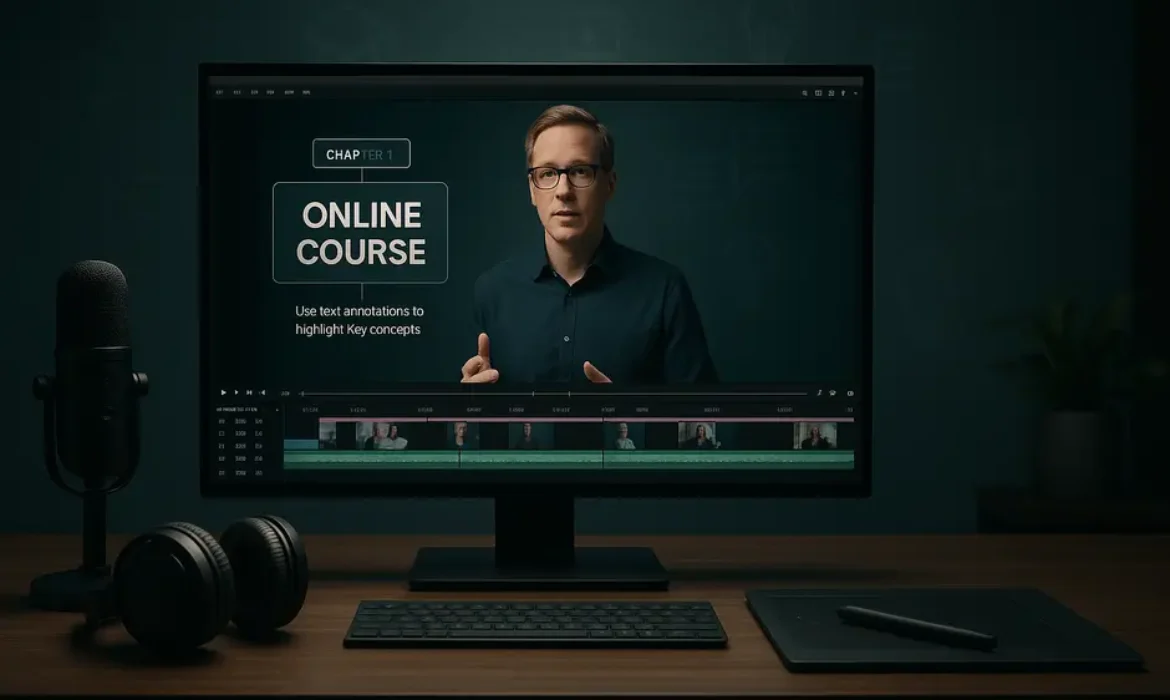
Visual text elements are one of the fastest ways to elevate the professionalism of your course videos. Used correctly, they serve a genuine instructional purpose. Used carelessly, they clutter the screen and distract.
Lower thirds are the text overlays that appear at the bottom of the screen — typically used to display the instructor’s name or a topic label. In course videos, lower thirds work well as topic identifiers at the start of a new section, helping learners orient themselves within the lesson structure.
Chapter titles function as visual anchors. Opening each new module or major concept with a clean title card — even a simple slide with the lesson title on a solid background — creates a sense of structure. Learners who re-visit a course to review specific content can navigate more easily when sections are visually labeled.
On-screen text and key points reinforce auditory information visually. When you make a critical statement — a statistic, a definition, a process step — displaying that text on screen doubles the retention impact. This is supported by dual-coding theory, which demonstrates that combining verbal and visual information improves comprehension and recall.
A practical design principle: keep your graphics consistent in font, color, and placement. Pick two typefaces — one for titles, one for body text — and stick with them throughout the course. Use your brand colors. Consistency does not just look professional; it reduces cognitive load because learners stop noticing the graphics and focus on the content instead.
Audio Editing for eLearning: The Often-Overlooked Factor
If video quality is what gets students to enroll, audio quality is what keeps them watching. Poor audio — background noise, inconsistent volume, room reverb, sudden level spikes — is the fastest way to break immersion in an educational video.
Noise reduction comes first. Most editing software includes a basic noise reduction filter. In Adobe Premiere Pro, the Essential Sound panel handles this cleanly. Audacity (free) and Adobe Audition offer more granular control. The principle is the same: capture a sample of your room noise, then subtract that frequency profile from the entire audio track.
Normalize or compress your audio levels. Aim for an average loudness level around -14 to -16 LUFS for online video, which aligns with the loudness normalization standards used by most streaming platforms. Inconsistent volume between clips — where one section is quiet and another is loud — forces learners to constantly adjust their devices, which is a friction point that breaks engagement.
Remove mouth sounds and breath noise surgically. Tools like iZotope RX are industry-standard for audio cleanup. Many creators underestimate how much these small sounds accumulate across a 15-minute lesson and how much cleaner the audio sounds when they are removed.
Consider music and sound design carefully. Background music in eLearning is a double-edged sword. A subtle, low-energy track can add warmth during intro and outro sequences. Music behind lecture content, however, competes with the instructor’s voice and increases cognitive load. If you use music, keep it at -25 to -30 dB below the vocal track — audible but never dominant.
Optimizing Videos for Specific LMS Platforms
Different platforms have different technical requirements and viewing contexts. Understanding these nuances prevents the frustrating discovery that your beautifully edited video looks compressed and blurry after upload.
| Platform | Recommended Format | Max Resolution | Max File Size | Notes |
|---|---|---|---|---|
| Teachable | MP4 (H.264) | 1080p | 4GB per file | Supports HD streaming via Wistia |
| Kajabi | MP4 (H.264) | 1080p | 2GB per file | Uses Wistia for hosting |
| Udemy | MP4 (H.264) | 1080p minimum | No stated max | Minimum 720p required; 1080p preferred |
| Thinkific | MP4 (H.264) | 1080p | 2GB per file | Vimeo-powered hosting |
| Loom | Recorded directly | Up to 4K | N/A | Direct recording tool; limited editing |
Beyond format specifications, consider how your video will be consumed. Many learners watch courses on mobile devices, which means small text, fine details in screen recordings, and text-heavy slides may be difficult to read. Test your exports on a phone screen before publishing — it is a quick check that catches a surprising number of readability issues.
Export settings that hold up across platforms:
- Format: MP4
- Codec: H.264
- Resolution: 1920×1080 (1080p)
- Frame Rate: 30fps (sufficient for talking head and screen content)
- Bitrate: 8–12 Mbps for 1080p (variable bitrate preferred)
- Audio: AAC, 48kHz, 192–320kbps stereo
Workflow Tips to Edit Faster Without Cutting Corners
Sustainable course creation depends on an efficient editing workflow. Here is how experienced course creators reduce editing time without sacrificing output quality.
Create a sequence template. Build your standard intro sequence, lower thirds, chapter title style, and outro once. Save it as a sequence template in your editor. Every new lesson starts from that template — you only need to update the text and drop in new footage.
Edit in passes, not in one sitting. First pass: cut the obvious mistakes, long pauses, and false starts. Second pass: add graphics, callouts, and text overlays. Third pass: audio cleanup and level matching. Final pass: color correction. This approach prevents decision fatigue and keeps each session focused.
Use keyboard shortcuts obsessively. The time savings from keyboard shortcuts in Premiere Pro, Final Cut Pro, or DaVinci Resolve are substantial. The blade tool, ripple delete, and in/out markers become muscle memory quickly. Invest a day learning shortcuts and you will recover that time within the first week.
Batch record and batch edit. Record multiple lessons in a single session when your energy and setup conditions are consistent. Then edit that batch together rather than switching between recording and editing modes daily. Batching keeps you in a single mode longer and reduces context switching.
Use Descript for talking-head heavy content. If the majority of your course is you speaking to camera, Descript’s transcript-based editing cuts editing time by 40–60% compared to traditional timeline editing. You read the transcript, delete the filler words and mistakes, and the video updates automatically.
Key Takeaways
-
- Video quality directly influences course completion rates and student reviews — treat it as a core part of your product, not an afterthought
- Audio quality matters more than visual quality for educational content. Fix your audio before anything else
- Choose your editing software based on your content type: Camtasia or Descript for most course creators; Premiere Pro or DaVinci Resolve for higher-complexity production
- Screen recording editing requires its own techniques — cursor highlights, strategic zoom, speed adjustments, and callout boxes all improve clarity
- Lower thirds, chapter titles, and consistent graphic design reduce cognitive load and increase perceived production value
- Always export in H.264 MP4 at 1080p and test playback on a mobile device before publishing to your LMS
- Build template sequences to dramatically reduce per-lesson editing time and maintain visual consistency
FAQs
Q1: What is the best video editing software for online course creators who are just starting out?
For most beginners, Camtasia or Descript are the strongest starting points. Camtasia is purpose-built for educational video production with built-in callouts, screen recording integration, and pre-designed templates. Descript is ideal if you are uncomfortable with timeline editing — it lets you edit video by editing a text transcript, which removes much of the technical barrier. Both tools produce professional results without requiring you to learn the complexities of a full non-linear editing suite.
Q2: How long should individual course videos be?
Research from platforms like Udemy and data published by MIT’s educational technology research consistently points to 6–9 minutes as the sweet spot for lecture video length. Attention begins to drop significantly after the 9–12 minute mark for non-interactive video. For complex procedural content — such as software tutorials — slightly longer videos (12–15 minutes) are acceptable if they walk through a complete task from start to finish. Splitting content into clearly titled segments that each address a single concept outperforms long, multi-topic lessons on engagement metrics.
Q3: How do I reduce background noise in my course videos without expensive software?
Most professional-level noise reduction can be achieved with free or low-cost tools. Audacity (free) has a built-in noise reduction filter that works well for consistent background noise like HVAC systems or computer fans. Adobe Premiere Pro’s Essential Sound panel includes noise reduction in the standard subscription. For more advanced noise removal — keyboard sounds, mouth clicks, room reverb — iZotope RX Elements (approximately $99) is the industry standard and available at a fraction of the cost of the full suite.
Q4: Do I need to create a new editing setup for each LMS platform I publish to?
Not necessarily. If you export a 1080p H.264 MP4 at approximately 8–12 Mbps, that file will meet the technical requirements of Teachable, Kajabi, Udemy, and Thinkific without modification. The main variables to watch are file size limits — some platforms cap uploads at 2GB per file, which only becomes relevant for very long, high-bitrate videos. Keep a master export at maximum quality and create compressed versions only if a specific platform requires it.
Q5: Should I use lower thirds and on-screen text in all my course videos?
Lower thirds work best as subtle orientation aids — displaying the current topic or module section at the beginning of a segment. They should not remain on screen throughout a lesson. On-screen text that reinforces key points, statistics, or step labels adds genuine instructional value and is worth including consistently. The principle is that every graphic element should earn its place — if it adds clarity or aids retention, include it. If it decorates without function, remove it.
Q6: How do I make screen recording videos look less boring?
The most effective techniques are: strategic zoom and pan to direct attention, cursor highlight effects to make navigation legible, callout boxes to label important interface elements, speed ramping to fast-forward through mundane actions, and occasionally cutting back to a picture-in-picture camera shot of yourself to maintain a human connection. Varying the visual pace and using a combination of screen and camera footage — even occasionally — dramatically increases engagement compared to a static screen recording with only a voiceover.
Q7: Does video production quality affect how much I can charge for my online course?
Production quality signals professionalism, which directly influences pricing perception and conversion rates. Learners comparing two courses on the same topic will generally associate higher production quality with higher expertise, even if the content depth is comparable. That said, content substance and instructor credibility remain primary conversion factors. The realistic goal is to produce video that is clean, well-lit, clearly audible, and visually organized — not cinematic. Most learners are more forgiving of modest production values than of poor audio or disorganized visual presentation. Investing in a quality microphone, consistent lighting, and a competent editing workflow will return more on course pricing and enrollment than a camera upgrade.
Conclusion
Video editing for online courses is one of those skills that feels intimidating at first and becomes surprisingly systematic once you establish a workflow. The gap between a course that looks hobbyist and one that looks professionally produced is rarely about expensive equipment. It is almost always about intentionality — taking the time to clean up your audio, structure your visuals, standardize your graphics, and optimize your exports for the platform your students are watching on.
Your learners enrolled because they trust your expertise. Your video production should reinforce that trust at every touchpoint — from the first frame of your intro sequence to the final frame of your concluding lesson. When your editing is clean, your pacing is thoughtful, and your visuals support rather than compete with your content, students stay longer, complete more, and return for your next course.
The tools exist at every price point. The knowledge is here. The only remaining variable is consistency — building a workflow you can repeat across every lesson you create.
Sources referenced in this article include Kaltura’s State of Video Report, the American Psychological Association’s research on dual-coding theory, iZotope product documentation, and open learning research from MIT. Platform-specific technical specifications are sourced from official documentation for Teachable, Kajabi, Udemy, and Thinkific.
Podcast Video Editing: How to Turn Your Audio Podcast into Engaging YouTube Content
Podcast Video Editing: How to Turn Your Audio Podcast into Engaging YouTube Content
Estimated reading time: 14 minutes
Why Your Audio Podcast Deserves a Visual Life
Most podcasters spend months perfecting their audio — the mic placement, the EQ curve, the edit points between sentences. Then they upload to Spotify and Apple Podcasts, and wait. What many never consider is that the same content they labored over could be working twice as hard on a completely different platform, reaching an entirely different audience.
YouTube is no longer just a video platform. It has quietly become one of the most popular podcast listening destinations in the world. According to Edison Research’s Infinite Dial 2024, YouTube has surpassed Spotify and Apple Podcasts as the most used platform for podcast consumption in the United States. That shift is not a coincidence — it reflects a deeper change in how audiences engage with long-form content.
But here is the thing: uploading a black screen with audio playing over it is not a YouTube podcast strategy. That is just an audio file wearing a costume. Real podcast video editing means transforming your recorded conversations into something visually compelling enough to keep viewers watching, subscribing, and sharing.
This guide breaks down the full process — from capturing usable footage to mastering the final export — so you can build a genuine YouTube presence without starting from scratch or abandoning your existing audio-first workflow.
Understanding What YouTube Actually Wants from Podcasters
Before touching a single editing tool, it helps to understand what YouTube rewards. The platform’s algorithm prioritizes two things above nearly everything else: watch time and click-through rate. A beautifully edited podcast video that nobody clicks on will never surface. A video people click but immediately abandon will fare just as poorly.
YouTube has been actively courting podcasters. In 2023, the platform introduced native podcast features, including a dedicated podcast playlist structure and RSS feed integration. Google has also made it possible for podcast episodes to appear in search results directly, which means that your YouTube podcast video can capture both video search traffic and traditional podcast discovery simultaneously.
What that means for your editing approach is this: your video needs a hook in the first 30 seconds that gives viewers a reason to stay, a clear visual identity that signals professionalism, and a structure that keeps attention moving. It is not about cinematic production — most successful podcast video channels are shot in home studios with modest gear. What separates them is intentional editing.
Recording Setup: Getting Video-Ready Before You Edit
Great podcast video editing starts before you open any software. If your footage is unusable, no amount of color grading or b-roll will save it.
Camera and Lighting Basics
You do not need a cinema camera. A Sony ZV-E10, a recent iPhone in Cinematic mode, or even a solid webcam like the Logitech Brio can produce footage that looks genuinely polished on YouTube. What matters more than camera quality is lighting consistency. A single key light positioned at roughly 45 degrees to your face eliminates harsh shadows and creates the kind of even, flattering look that viewers unconsciously associate with credibility.
For remote interviews, tools like Riverside.fm and Squadcast record each participant’s video and audio locally rather than compressing it through the internet. This is a significant advantage over Zoom, where video quality degrades in real time based on connection speed. When you are dealing with remote guests, local recording means you get studio-quality footage from both sides of the conversation.
Audio Still Comes First
One counterintuitive rule of podcast video production: viewers will tolerate mediocre video far longer than they will tolerate bad audio. Your mic setup — whether that is an XLR dynamic mic like the Shure SM7B or a USB condenser like the Audio-Technica AT2020 — should be your primary investment. Fix the sound first. Then worry about the picture.
Consistency Across Sessions
If you record episodes weekly, your editing life becomes significantly easier when every session looks and sounds roughly the same. A consistent backdrop, consistent lighting setup, and consistent mic positioning mean you are not making new decisions in post every time. Create a simple setup checklist and follow it before every record.
The Podcast Video Editing Workflow, Step by Step
This is where the process gets practical. The workflow below applies whether you are working in Adobe Premiere Pro, Final Cut Pro, DaVinci Resolve, or a purpose-built tool like Descript.
Step 1: Sync and Organize Your Files
If you recorded locally on both ends (using Riverside.fm or Squadcast), your first task is syncing the audio and video tracks. Most recording platforms export pre-synced files, but if you recorded with a separate audio interface and camera, use a clap or countdown at the start of each session to give yourself a sync point.
Organize your project folder before you touch the timeline. Separate folders for raw footage, audio stems, music, graphics, and exports will save you enormous frustration when you need to locate a specific clip three months later.
Step 2: Rough Cut the Conversation
Start by cutting the dead air — long pauses, false starts, filler phrases, and off-topic tangents that do not serve the listener. This is the most time-consuming part of audio to video editing, but it is also where the episode earns its pacing. A tight rough cut feels energetic even at a slow conversational tempo.
Keep sentences that contain “ums” and “uhs” that happen mid-thought, as removing every single one creates an artificial, clipped rhythm. Focus on removing the gaps and the genuinely wasted space.
Step 3: Color Correct and Grade
Color correction brings your footage to a neutral baseline — accurate skin tones, balanced exposure, no color casts. Color grading is the creative step on top of that, adding a consistent visual tone across the episode. For most talking-head podcast videos, a subtle, clean grade works better than anything dramatic. The goal is to look polished, not cinematic.
If your footage was recorded in a log profile (for maximum dynamic range), this step is non-negotiable. If you shot on an iPhone in standard mode, basic color correction in DaVinci Resolve or Premiere Pro takes five minutes.
Step 4: Add B-Roll and Visual Support
B-roll is one of the most underused tools in podcast video editing. When your host or guest references a product, a place, a concept, or a statistic, cutting to relevant footage — even stock video from Pexels or Artgrid — gives viewers’ eyes something to engage with while the conversation continues on the audio track.
Beyond stock footage, you can use:
- Screen recordings when discussing software or websites
- Text overlays and animated quotes to highlight key moments
- Waveform animations as a visual anchor when you want to stay on a speaker but add visual interest
- Audiogram-style inserts for particularly memorable lines
B-roll also solves one of the most common problems in podcast video editing: what to do when you cut a section and the jump cut is jarring. Cover it with b-roll and the edit becomes invisible.
Step 5: Add Lower Thirds, Titles, and Chapter Markers
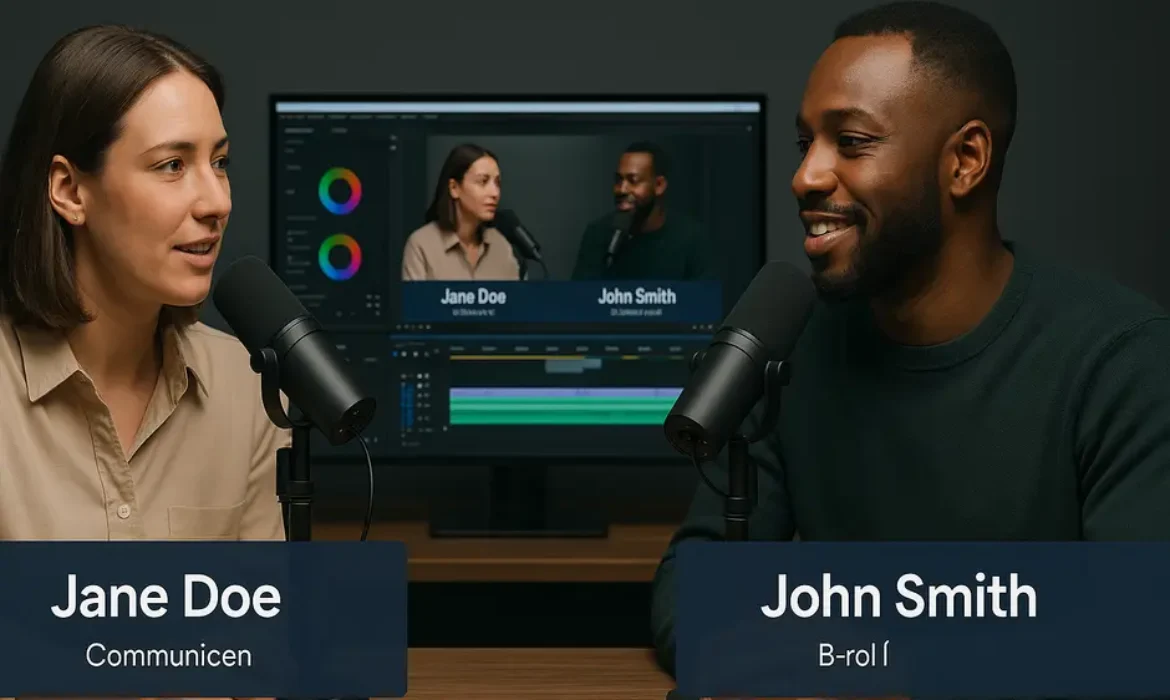
Lower thirds — the text graphics that introduce speakers at the start of a segment — immediately elevate the production value of any talking-head video. They only need to appear once or twice per guest, but their presence signals a level of craft that viewers notice subconsciously.
Chapter markers (also called timestamps) are critical for YouTube specifically. Adding them to your video description — formatted as 00:00 Introduction, 05:32 Topic Two, and so on — activates the chapter feature in the YouTube player, which allows viewers to navigate directly to the sections they care about. This behavior data also feeds back positively into YouTube’s algorithm, as it reflects intentional engagement.
Step 6: Mix and Master the Audio
Even if your raw audio is clean, the final mix matters. A balanced mix means both voices sit at roughly the same perceived loudness level, the background music (if any) sits well beneath the conversation without disappearing entirely, and the overall loudness targets the platform standard. YouTube recommends content normalized to around -14 LUFS, which aligns closely with the standard for streaming audio platforms.
Use a tool like Auphonic for automated loudness normalization, or handle it manually in your DAW if you prefer precise control.
Step 7: Export and Optimize for YouTube
For YouTube, export at 1080p minimum, ideally at 4K if your footage supports it. A common export setting in Premiere Pro: H.264 codec, High profile, bitrate around 16 Mbps for 1080p. Match your frame rate to your recording frame rate — do not let the export settings introduce a conversion.
For aspect ratio: 16:9 is the standard for full-length YouTube uploads. But export a 9:16 vertical version simultaneously for Shorts and Reels. The extra export takes minutes and gives you an entirely separate distribution asset.
Tools That Make Podcast Video Production Faster and Better
| Tool | Best For | Pricing Model |
|---|---|---|
| Descript | Text-based editing, transcription, filler word removal | Subscription (free tier available) |
| Riverside.fm | Remote recording, local video/audio quality | Subscription |
| Adobe Premiere Pro | Full professional timeline editing | Subscription |
| DaVinci Resolve | Color grading, professional editing (free version) | Free / Paid Studio version |
| Opus Clip | AI-powered clip extraction for Shorts/Reels | Subscription |
| Canva | Thumbnail design, lower thirds, audiogram graphics | Free / Pro |
| Auphonic | Automated audio mastering and loudness normalization | Per-hour credits |
| Headliner | Audiogram creation, video clip captioning | Free / Pro |
Descript deserves special attention. Its text-based editing model means you edit the transcript like a document and the video edits follow automatically. For podcasters moving into video, it removes the intimidation factor of traditional timeline editing entirely. The overdub and filler word removal features alone are worth the subscription cost for many creators.
Creating Clips for Reels, Shorts, and Social Media
Full-length episodes are the anchor content. But the clips are what drive discovery.
A 45-to-90-second excerpt — a sharp opinion, a surprising fact, a moment of genuine emotion — can introduce your podcast to someone who has never heard of you. When that clip is properly captioned, visually dynamic, and ends on a subtle call to action, it becomes a pipeline straight into your full-length content.
Identifying Clip-Worthy Moments
Not every strong moment makes a great clip. The best podcast clips share a few characteristics:
- They make sense without context (or establish context within the first five seconds)
- They contain a clear point of tension, surprise, or value
- They do not require knowledge of the guest to be engaging
Review your rough cut and mark moments with a bright color label or a note in Descript’s comment system. Aim for three to five potential clips per episode, then select the two or three strongest.
Editing for Vertical Format
Podcast shorts editing for 9:16 vertical requires a different visual logic than widescreen. If you are shooting with two people, you may need to use a split-screen layout — guest on top, host on bottom — or cut dynamically between speakers using your B camera footage. Captions become non-negotiable in vertical format, where a significant portion of viewers watch without sound. Tools like Descript, Captions.app, and CapCut all offer auto-captioning with decent accuracy.
Keep vertical clips tight. The drop-off rate on Reels and Shorts climbs steeply after 60 seconds for podcast content unless the clip is genuinely riveting.
YouTube-Specific Optimization After Editing
Finishing the edit is only half the job. What you do on the upload side shapes how the algorithm treats your video.
Thumbnails
Your thumbnail competes against hundreds of other thumbnails in a sidebar or search result. A clean, high-contrast design with a legible headline (six words or fewer), a strong facial expression, and a consistent visual style across your channel performs consistently better than generic designs. Study what the strongest podcast channels in your niche are doing, then develop your own take on those conventions.
Title and Description
Your title should front-load the most specific, searchable phrase. “Podcast Video Editing” performs better at the front of a title than buried at the end. The description should read naturally — not like a keyword list — but should include your core terms within the first two sentences, followed by a detailed summary and your chapter timestamps.
Tags, Categories, and Playlists
Use YouTube’s category setting (typically “Education” or “Entertainment” for podcast content), add 5-10 relevant tags, and add every episode to a dedicated podcast playlist. The playlist structure helps YouTube understand your content’s thematic consistency, which influences recommendation behavior over time.
Common Mistakes That Kill Engagement
Even technically well-edited videos can underperform if they make these structural errors.
Starting too slowly. The first 30 seconds of a YouTube video determine whether most viewers stay or leave. Cutting straight to the most interesting part of the conversation, then circling back to context, is a proven structure that retains attention.
Ignoring captions. A significant share of YouTube viewing happens in environments where viewers cannot or will not use sound. Burned-in captions or accurate auto-captions are not optional anymore.
Inconsistent publishing cadence. YouTube’s algorithm rewards consistency. An irregular upload schedule trains the algorithm to treat your channel as unpredictable, which suppresses recommendation frequency.
Neglecting the thumbnail-title relationship. Both elements need to work together to create curiosity or communicate value. A title that says everything and a thumbnail that adds nothing is a missed opportunity.
Exporting at low quality. Blurry, compressed video looks amateurish regardless of how good the conversation is. Export at the highest quality your source footage supports.
FAQs
Q: Do I need to have video footage to create a YouTube podcast, or can I use just audio?
You can technically upload audio-only content to YouTube using a static image or a waveform animation as the visual element. This is called an audiogram, and it works reasonably well for building a Spotify-style listening experience on YouTube. However, talking-head video consistently outperforms static visuals on YouTube in terms of watch time, click-through rate, and subscriber conversion. If you have any way to capture even basic webcam footage, use it.
Q: What is the best software for podcast video editing as a beginner?
Descript is the most accessible entry point for podcasters new to video editing. Its text-based editing model eliminates the learning curve of traditional timeline tools, and it handles transcription, filler word removal, and basic video assembly in one interface. As your needs grow, transitioning to DaVinci Resolve (free) or Adobe Premiere Pro gives you professional-grade control over color, audio, and effects.
Q: How long should a YouTube podcast video be?
There is no universal correct answer, but data from YouTube creators in the podcast space suggests that full episodes between 45 and 90 minutes perform well when the content is genuinely engaging. Episodes under 20 minutes often leave subscribers feeling short-changed if your format is interview-based. For standalone clip content, 7-to-15-minute “highlight” videos perform strongly in YouTube search because they satisfy the query without requiring a full episode commitment.
Q: How do I convert an existing audio-only podcast to video for YouTube?
The most common approach is to pair your existing audio with a simple visual — a branded static image, a waveform animation, or a slideshow of relevant images. A more effective approach for ongoing production is to start recording video going forward while repurposing older audio content with audiogram-style visuals. Tools like Headliner and Wavve make creating audiograms from audio files straightforward, giving older episodes a visual presence without requiring you to re-record anything.
Q: Should I use the same video for YouTube and Instagram Reels?
You should create separate vertical edits for Reels and Shorts rather than simply cropping your 16:9 YouTube video. The cropped version almost always cuts off important visual information. Shooting with vertical in mind during recording — or using a platform like Riverside.fm that offers separate portrait-mode recording — gives you native vertical footage to work with. The audience behaviors on Reels and YouTube are also different, so a clip that works on one may need a slightly different hook or pacing to perform on the other.
Q: How many clips should I create from each podcast episode?
A practical content multiplication strategy is to create two to three short clips (under 90 seconds) for Reels and Shorts, one medium-length highlight clip (5-to-10 minutes) for YouTube, and one full-length episode upload. That turns a single recording session into five to six pieces of distributed content. As your editing workflow gets faster, you can scale this further, but starting with this ratio keeps the workload manageable without leaving distribution potential on the table.
Q: What is the difference between Riverside.fm and Squadcast for podcast video production?
Both platforms record locally, which preserves audio and video quality regardless of internet conditions during the call. Riverside.fm has positioned itself more aggressively toward video podcast production, offering features like separate camera track recording, green screen removal, and built-in clip creation tools. Squadcast was acquired by Descript in 2023 and integrates tightly with Descript’s editing environment, making it a strong choice if Descript is your primary editing tool. For pure video quality and built-in production features, Riverside.fm currently has a slight edge for video-focused podcast creators.
Key Takeaways
-
- YouTube has overtaken Spotify and Apple Podcasts as the most popular podcast platform in the US, making a YouTube video strategy essential for serious podcast growth
- Great podcast video editing begins with a smart recording setup — local recording tools like Riverside.fm and Squadcast eliminate quality degradation that Zoom recordings suffer from
- The core editing workflow — rough cut, color correction, b-roll, lower thirds, audio mastering, chapter markers — can be applied in any professional editing tool and dramatically improves watch time and perceived credibility
- Descript is the fastest on-ramp for audio-focused podcasters who are new to video editing; DaVinci Resolve and Premiere Pro offer professional control as needs scale
- Clips for Shorts and Reels are discovery engines, not afterthoughts. Creating two to three short clips per episode significantly amplifies the reach of every recording session
- YouTube-specific optimization — thumbnails, timestamps, playlists, descriptions — is as important as the edit itself when it comes to algorithmic performance
- Common technical mistakes like slow intros, missing captions, and low-quality exports cost you viewers before your content has a chance to earn them
Turning your audio podcast into compelling YouTube content is not about reinventing your creative process. It is about extending it — capturing the same conversations you are already having, applying a focused editing approach that serves the visual medium, and distributing the result across platforms where entirely new audiences are actively looking for content exactly like yours. The gap between a podcast that stays small and one that builds genuine cross-platform momentum is often nothing more than the decision to start treating video seriously. That decision starts in the edit.
How Real Estate Agents Can Use YouTube to Generate Leads in 2026
How Real Estate Agents Can Use YouTube to Generate Leads in 2026
Estimated reading time: 14 minutes
Why YouTube Is the Most Underutilized Lead Machine in Real Estate
Most real estate agents are pouring money into Facebook ads, cold calling, and overpriced lead platforms. Meanwhile, a growing number of quietly successful agents are building channels on YouTube that generate warm, pre-sold leads every single month — without a paid advertising budget.
Here is the reality: YouTube is the second-largest search engine in the world, processing more than 3 billion searches per month. It is also a Google property, which means content you publish there enjoys a privileged relationship with Google Search results. When someone types “best neighbourhoods in [your city]” into Google, there is a significant chance a YouTube video appears before any website link. If that video is yours, the person clicking it already trusts you before you say a single word.
For real estate, this dynamic is almost unfair in your favour.
Buyers spend months researching before they ever contact an agent. They are watching neighbourhood tours, asking about school districts, comparing property prices, and trying to understand mortgage processes. If your channel answers those questions consistently and clearly, you become the obvious agent to call when they are ready to move.
Sellers behave differently, but the psychology is similar. They want to work with someone who clearly knows their local market. A library of confident, data-driven market update videos signals expertise far more convincingly than a glossy postcard in their mailbox.
This guide is built specifically for 2026, where short attention spans, AI-generated content noise, and increasingly sophisticated buyers mean that generic real estate content simply does not cut through anymore. What works now is specific, local, human, and genuinely helpful.
Setting Up Your Real Estate YouTube Channel the Right Way
Before you shoot a single video, spend time building a channel that looks and functions like a professional media operation — because that is exactly what it is.
Channel Name and Branding
Your channel name should include your name or team name alongside your city or region. Something like “Sarah Chen — Toronto Real Estate” works better than a clever phrase nobody is searching for. Clarity beats cleverness on YouTube, especially for local search.
Your banner and profile photo should be consistent with your Google Business Profile and website. Buyers and sellers often research across multiple platforms before making contact. Inconsistent branding creates friction and erodes trust.
Channel Description
Write a channel description that reads naturally and includes your primary city, the type of client you serve, and what kinds of videos they can expect. This is indexed by both YouTube and Google. Mention your service areas explicitly, as this content feeds into your broader local SEO footprint.
Channel Sections and Playlists
Organise your content into playlists from day one. Suggested playlists for most real estate agents include:
| Playlist Name | Purpose |
|---|---|
| Neighbourhood Tours | Hyper-local content for buyers researching areas |
| Market Update Videos | Monthly insights to attract sellers and establish authority |
| Listing Walkthroughs | Property showcase videos with lead capture built in |
| Buyer’s Guide | Educational content for first-time buyers |
| Mortgage and Finance | Explainer videos addressing mortgage calculator questions |
| Local Business and Lifestyle | Community content that builds relatability |
Structured playlists keep visitors on your channel longer, which improves watch time — a critical ranking signal on YouTube.
Linking Your Digital Ecosystem
Connect your YouTube channel to your Google Business Profile, your website, and your email list signup page. In your channel settings, add your website URL and any relevant social links. YouTube allows you to verify your website, which unlocks additional features and strengthens the connection between your video content and your broader online authority.
The Content Types That Actually Generate Real Estate Leads
Not all video content is created equal. Some formats are entertaining but functionally useless for lead generation. Others look boring on the surface but consistently drive qualified inquiries from motivated buyers and sellers.
Based on what is working in 2026, the highest-converting content categories for a YouTube channel for realtors break down like this:
Educational Content Drives Long-Term Trust
Videos that answer specific buyer and seller questions — how the MLS works, what closing costs actually include, how to read a home inspection report — attract viewers who are mid-funnel and actively trying to make a decision. These people are close to needing an agent.
Local Content Drives Hyper-Qualified Traffic
Neighbourhood tours, school district breakdowns, restaurant reviews, and community highlight videos attract the right geographic audience. Someone watching a 12-minute video about living in a specific neighbourhood is far more likely to be a genuine buyer than someone who clicked a Facebook ad.
Market Data Positions You as the Expert
Monthly market update videos showing median sale prices, days on market, and inventory levels are primarily watched by homeowners considering selling. This is seller lead generation done with zero hard selling.
Listing Videos Capture Bottom-Funnel Buyers
Property video content on YouTube reaches active buyers who are already in search mode. Unlike MLS listings, your YouTube listing walkthroughs can appear in Google Search results, meaning they get additional exposure beyond your MLS reach.
Neighbourhood Tours: Your Secret Weapon for Hyper-Local Authority
If you could only produce one type of video, neighbourhood tours would be it.
Here is why: when someone searches “is [neighbourhood name] a good place to live” or “best areas in [city] for families,” they are in early buyer mode. They are not ready to look at listings yet — they are still narrowing down where they want to live. The agent who answers those questions on video becomes a trusted advisor before any transactional conversation has happened.
A strong neighbourhood tour video covers:
- What the area actually feels like to walk around (film outside, not in your office)
- School information with specific school names
- Local amenities: parks, grocery stores, coffee shops, transit options
- Price ranges for homes in the area, presented as useful context rather than a sales pitch
- Who the neighbourhood is best suited for: young families, professionals, retirees
Keep your tone conversational and honest. If a neighbourhood is going through gentrification, say so. If parking is a challenge, mention it. Viewers can detect a promotional tone instantly, and when they do, your credibility evaporates.
Aim for 8 to 15 minutes per neighbourhood tour. This is long enough to be genuinely informative but short enough to hold attention. Use chapter markers in your video description so viewers can skip to the sections most relevant to them — this increases retention metrics in YouTube Studio.
Film multiple neighbourhoods across your city systematically. Over time, this playlist becomes a comprehensive local resource that continues generating views and leads for years after you film it.
Market Update Videos That Build Trust and Attract Sellers
Sellers want to know what their home is worth and whether now is a good time to sell. Market update videos answer both questions without requiring you to knock on a single door.
Publish a market update video every month. Keep the format consistent so subscribers know what to expect. A strong template for a monthly market update video includes:
Opening (30 to 60 seconds):
State clearly what the video covers — the month, the city or region, and what data you will discuss.
Key Metrics Section (3 to 5 minutes):
Cover median sale price, average days on market, list-to-sale price ratio, and current inventory levels. Show charts or graphs where possible. Reference whether these numbers represent a buyer’s market or seller’s market and explain what that means in practical terms.
What This Means for Sellers (2 to 3 minutes):
Speak directly to homeowners. If inventory is low and prices are rising, tell them plainly that conditions are favourable. If the market is softening, give them an honest read and explain how to price strategically.
What This Means for Buyers (2 minutes):
Address buyers watching with equal candour.
Call to Action (30 to 60 seconds):
Invite viewers to reach out for a free home valuation or to download your local market report.
Data sources matter here. Reference your local real estate board, MLS statistics, and publicly available housing data. This demonstrates genuine research rather than vague generalisations that anyone could produce.
Sellers who watch three or four of your monthly market update videos are already warm leads. They know your face, they trust your data, and they are mentally rehearsing the conversation they want to have with you. When they reach out, the relationship is already partially built.
Listing Walkthroughs That Convert Viewers Into Inquiries
A listing walkthrough on YouTube is not just a marketing piece for the property — it is a lead generation tool for your next listing.
When sellers in the same neighbourhood see how professionally you present a property on video, they want that for their own home. When buyers see a well-produced walkthrough, they either request a showing (hot lead) or they save your channel for future reference (warm lead in your ecosystem).
Production Standards That Matter in 2026
You do not need a film crew. But you do need:
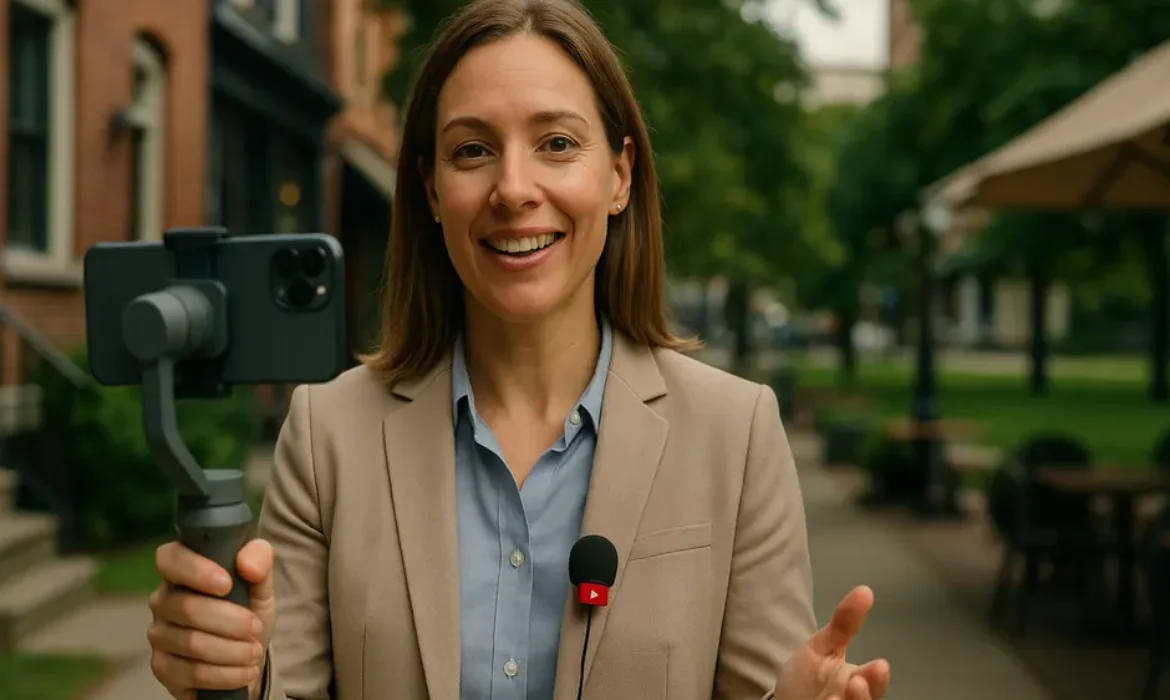
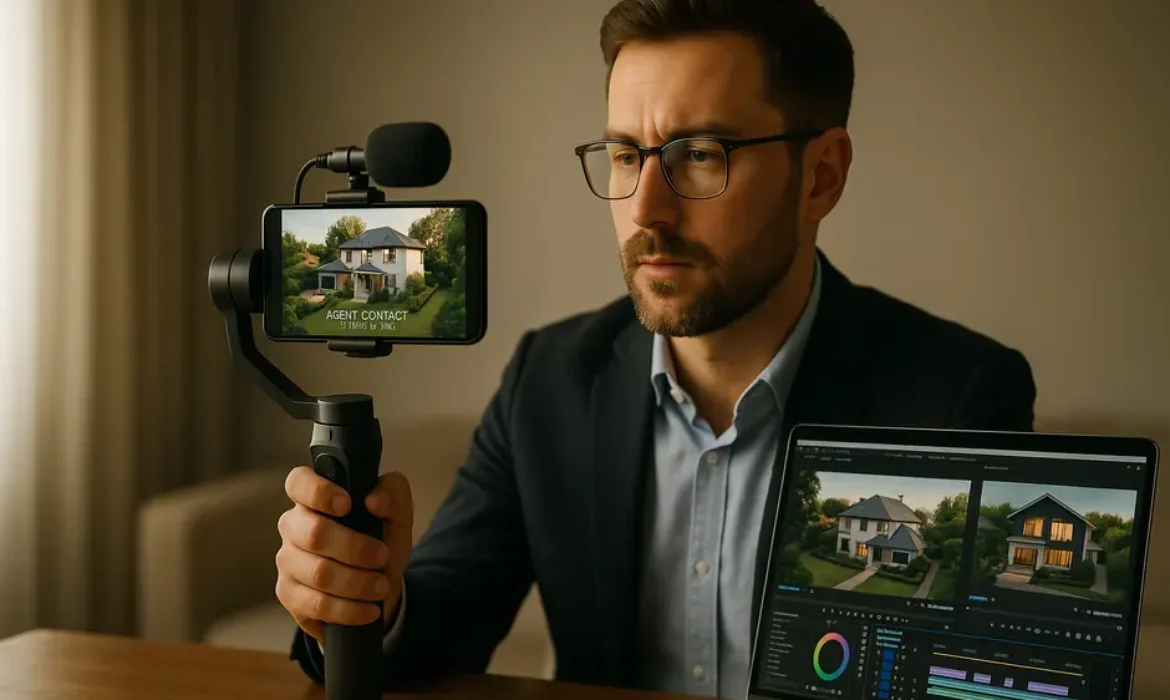
- A gimbal-stabilised camera or a high-quality smartphone with a wide-angle lens
- Natural lighting supplemented by a small portable light kit
- Clear audio — poor sound quality kills trust faster than anything else
- A logical flow through the property that mirrors how a buyer would walk through it
What to Say During a Listing Walkthrough
Avoid reading off a spec sheet. Instead, narrate the lifestyle. “This kitchen was designed for someone who actually cooks — the island gives you real prep space and the layout means you are never turning your back on guests in the living room.” That is more compelling than “52-inch quartz countertop with stainless steel appliances.”
At the end of every listing video, mention that you help buyers and sellers across the area and invite viewers to reach out directly. Include the property address in the title and description for local search visibility.
YouTube SEO: Getting Found by the Right People
A video nobody finds is a video that generates zero leads. YouTube SEO is genuinely different from traditional website SEO, but it follows the same core principle: match your content precisely to what people are searching for.
Title Optimisation
Your video title should include the primary search term in natural language. For neighbourhood tours: “Living in [Neighbourhood Name], [City] — What Locals Actually Think.” For market updates: “[City] Real Estate Market Update — [Month, Year].” Include the year in market update titles specifically, as viewers filter for recent content.
Description Best Practices
Write a minimum of 200 words in your video description. The first two to three sentences are the most important — they appear in search results and in YouTube’s preview text. Include your primary keyword naturally in the first sentence. Add timestamps for longer videos, which YouTube converts into chapter markers and displays in Google Search results.
Mention relevant entities: neighbourhood names, local landmarks, school names, transit lines. These function similarly to semantic keywords in web content.
Tags and Categories
Use a mix of broad and specific tags. “YouTube for real estate agents” as a broad tag; “[Your City] real estate” as a specific one; “[Your Neighbourhood] homes for sale” as hyper-local. Do not overthink tags — YouTube’s algorithm relies far more on your title, description, and viewer behaviour than on tags alone.
Thumbnails
Your thumbnail is your billboard. Use your face prominently — YouTube’s own internal research has shown that thumbnails featuring recognisable human faces generate stronger click-through rates. Add a short text overlay (three to five words) that reinforces the title’s promise. Keep your thumbnail style visually consistent across videos so subscribers recognise your content instantly in their feed.
Closed Captions
Always upload a corrected caption file or use YouTube Studio’s auto-generated captions and edit them for accuracy. Captions are indexed as text, which makes them a meaningful SEO asset. They also dramatically improve accessibility and watch time for viewers watching without sound.
Turning Views Into Leads With Smart Calls to Action
Views are vanity. Leads are the point.
Every video you publish should contain multiple calls to action designed to move viewers toward an identifiable next step. The key is to make those calls feel natural and helpful rather than transactional.
In-Video CTAs
Mention your call to action verbally during the video — ideally once in the first two minutes and again near the end. Frame it as a genuine offer of value: “If you want a custom breakdown of what homes are selling for on your specific street, send me a message and I will put one together for you.”
YouTube End Screens
Configure your end screen in YouTube Studio to display a subscribe button, a link to your next most relevant video, and if YouTube allows it in your region, a link to your website or lead capture page. End screens appear in the final 20 seconds of your video. Most agents ignore this — which means using it gives you an immediate edge.
Pinned Comment Strategy
Pin a comment to every video that includes your contact information and a specific offer. Something like: “Thinking about buying or selling in [City] in 2026? Comment below or reach out directly at [email/website] for a free consultation.” Pinned comments appear first and get read by a significant percentage of your engaged viewers.
Video Descriptions as Lead Funnels
Your description should include at minimum:
- A brief written summary of the video
- A direct link to your website or booking page
- A link to a free resource (neighbourhood guide, market report, mortgage calculator referral)
- Your phone number and email
Building a Lead Magnet System Around Your YouTube Channel
A lead magnet is any free resource valuable enough that a viewer will exchange their email address or phone number to receive it. YouTube is an exceptional delivery mechanism for lead magnets because the content itself pre-qualifies the audience.
Effective lead magnets for real estate YouTube channels in 2026:
| Lead Magnet | Best Video Pairing | Conversion Function |
|---|---|---|
| Neighbourhood Comparison Guide PDF | Neighbourhood tour video | Captures early-stage buyers researching locations |
| Monthly Market Report | Market update video | Attracts seller leads seeking data |
| First-Time Buyer Checklist | Buyer education video | Builds a first-time buyer email list |
| Home Valuation Request | Any seller-focused content | Direct seller lead with high intent |
| Mortgage Calculator Explainer | Finance education video | Attracts pre-approval stage buyers |
The key is to match your lead magnet specifically to the video content. A viewer who just watched your 12-minute neighbourhood tour is far more likely to download a neighbourhood guide than a generic “how to buy a home” ebook.
Host your lead magnet landing page on your website and track conversions from YouTube traffic specifically. Over time, this data tells you which videos are generating actual leads — not just views.
Measuring What Matters in YouTube Studio
YouTube Studio is your analytics command centre. Most agents check view counts, feel disappointed, and give up. The agents who stay long enough to build genuine traction are the ones who understand which metrics actually matter for lead generation.
Metrics That Predict Lead Generation Success
Click-Through Rate (CTR): The percentage of impressions that result in someone actually clicking your video. Industry average CTR sits between 2% and 10%. If yours is below 2%, your thumbnails or titles need work.
Average View Duration (AVD): How much of your video people watch on average. A 40% AVD on a 10-minute video is strong. If viewers are leaving in the first 30 seconds, your openings need to be more compelling.
Traffic Sources: YouTube Studio shows you exactly where your views come from — YouTube Search, Google Search, Browse Features, External Sources. A growing proportion of traffic from YouTube Search and Google Search indicates your SEO is working.
Subscriber Growth from Individual Videos: Some videos consistently turn viewers into subscribers. These are your anchors — create more content in the same format and on similar topics.
Return Viewers: The percentage of your audience that comes back to watch more. High return viewer percentages indicate that your content is genuinely valuable, not just clickable.
Check these metrics monthly rather than daily. YouTube rewards patience and consistency. Channels that publish 2 to 3 videos per week for 12 months consistently outperform channels that publish 10 videos in a month and then disappear.
Key Takeaways
-
- YouTube is the second-largest search engine globally and generates warm, pre-sold real estate leads at effectively zero cost per acquisition once content is established
- Your channel setup matters: consistent branding, organised playlists, and connections to your Google Business Profile and website are foundational
- Neighbourhood tours, monthly market updates, and listing walkthroughs are the three highest-converting content types for realtor YouTube lead generation
- YouTube SEO requires strong titles, detailed descriptions with relevant local entities, accurate captions, and compelling thumbnails
- Every video needs a clear call to action — verbal, end screen, pinned comment, and in the description
- Lead magnets matched specifically to video content dramatically increase your subscriber-to-lead conversion rate
- Success on YouTube is measured through CTR, average view duration, traffic sources, and subscriber growth — not raw view counts
- Consistency over 12 months produces compounding results that no paid advertising platform can replicate
FAQs
How many videos do I need to start seeing leads from YouTube?
There is no universal threshold, but most real estate agents begin seeing meaningful lead activity after publishing 20 to 30 well-optimised videos. The timeline depends heavily on topic selection and local competition. Agents in smaller markets sometimes see their first lead after 10 videos. Those in highly competitive cities may need 40 to 50 before gaining significant traction. The compound nature of YouTube means your 30th video benefits from the authority built by your first 29 — results accelerate over time rather than arriving linearly.
Do I need professional video equipment to compete on YouTube?
Not necessarily. Audio quality matters more than video quality — invest in a decent microphone before upgrading your camera. A modern iPhone or Android flagship with a wide-angle lens and a simple gimbal handles video quality adequately for most real estate content. Colour correction, simple lower thirds, and clean editing in a tool like DaVinci Resolve or CapCut are sufficient. Viewers forgive imperfect visuals if the content is genuinely useful. They rarely forgive bad audio.
Should I include my listings on YouTube even if they sell quickly?
Yes, and here is why: listing walkthrough videos continue generating leads long after the property sells. Someone who discovers the video weeks later is a buyer looking for similar properties — a perfect lead. When a listing is sold, update the title and description to indicate it is sold, and add text to the video directing interested buyers to contact you for similar available properties. This converts a closed listing into an ongoing lead source.
How does YouTube connect to my MLS and Google Business Profile strategy?
These three platforms form a powerful local SEO ecosystem. Your MLS listings provide inventory context for your videos. Your Google Business Profile benefits from review content, location signals, and website traffic that YouTube viewers generate when they click through to your site. YouTube videos themselves frequently appear in Google Search results, especially for local queries, amplifying your overall search visibility beyond what either platform achieves alone. Linking your YouTube channel in your Google Business Profile also reinforces your local entity signals.
What is the best way to use a mortgage calculator in YouTube content?
Rather than embedding a calculator directly in video, reference it as a lead magnet or in-description resource. Create a video specifically explaining how buyers can use a mortgage calculator to understand their true purchasing power — this is a high-value educational topic for first-time buyers. Within the video, offer a free downloadable version or link to a reputable mortgage calculator tool in your description. This positions you as a helpful resource while capturing emails from people who are actively calculating affordability and therefore close to beginning their property search.
How often should I post to my real estate YouTube channel?
Two videos per week is the sweet spot for most agents who are building their channel alongside an active client practice. One of those videos should be evergreen — a neighbourhood tour, buyer education piece, or FAQ format that will remain relevant indefinitely. The second can be more time-sensitive — a market update or a new listing walkthrough. Consistency matters more than frequency. One video per week published every single week for a year outperforms two videos per week for three months followed by nothing.
Can I use YouTube Shorts alongside my regular videos?
YouTube Shorts can expand your reach and attract new subscribers, but they serve a different function than long-form content in a real estate lead generation strategy. Shorts are excellent for sharing quick tips, market stat snapshots, or short clips from longer neighbourhood tours. They rarely generate direct leads on their own, but they can funnel viewers to your long-form content where the deeper engagement and conversion activity happens. Think of Shorts as a top-of-funnel awareness tool, not a replacement for substantive video content.
Conclusion
YouTube is not a trend real estate agents should monitor from a distance. It is a mature, high-intent platform where motivated buyers and sellers actively seek out the kind of local expertise you already possess. The agents who commit to building a genuine content library in 2026 — one built on real neighbourhood knowledge, honest market analysis, and consistent publishing — will generate leads at a cost and quality that traditional prospecting methods simply cannot match.
The barrier to entry is not equipment or technical skill. It is consistency and patience. Start with what you know best: your city, your neighbourhoods, your market data. Put that knowledge on camera. Optimise it properly. Invite viewers to take the next step. Then do it again next week.
The agents who do this long enough will find that their YouTube channel becomes the most valuable asset in their marketing portfolio — one that works for them around the clock, in every neighbourhood they serve, without a single cold call required.
Video Editing for Real Estate Agents: Complete Guide to Property Video Marketing
Video Editing for Real Estate Agents: Complete Guide to Property Video Marketing
Estimated reading time: 20 minutes
Why Video Has Become Non-Negotiable in Real Estate
The shift toward video in property marketing was already underway before 2020. The pandemic simply accelerated it dramatically. Virtual tours became an operational necessity, and both buyers and sellers quickly discovered they preferred them to scheduling unnecessary physical visits. That preference did not disappear when restrictions lifted.
Today’s property buyer — whether purchasing a primary residence or an investment property — has high expectations for visual content. They want to see how a property flows. They want to understand the neighbourhood. They want to feel what it might be like to live somewhere before they ever book a showing.
Photography, no matter how professional, cannot deliver that experience. Video can.
From a business perspective, video content also multiplies your marketing reach. A well-produced listing video on YouTube continues generating views weeks, months, and sometimes years after you have posted it. A neighbourhood tour with good SEO becomes a passive lead generator. An Instagram Reel for realtors can reach thousands of people in your target market with zero paid advertising.
The return on investment from video — when approached strategically — is unlike almost anything else available to real estate professionals.
Types of Real Estate Videos You Should Be Producing
Not all real estate video content serves the same purpose, and conflating them is one of the most common mistakes agents make. Here is a breakdown of the primary formats and what each one achieves.
| Video Type | Primary Purpose | Ideal Platform | Recommended Length |
|---|---|---|---|
| Listing Video | Showcase a specific property | Zillow, Realtor.com, MLS, YouTube | 2–4 minutes |
| Virtual Tour | Interactive or cinematic walkthrough | Zillow, your website, YouTube | 3–6 minutes |
| Neighbourhood Tour | Area overview for out-of-town buyers | YouTube, Facebook | 5–10 minutes |
| Drone Footage | Aerial perspective of property and surroundings | YouTube, Instagram, listing pages | 1–2 minutes (standalone) |
| Testimonial Video | Social proof and trust-building | Website, Instagram, Facebook | 60–90 seconds |
| Instagram Reel / Short | Brand awareness and reach | Instagram, TikTok, YouTube Shorts | 15–60 seconds |
| Market Update Video | Establish authority, nurture leads | YouTube, email marketing | 3–7 minutes |
| Agent Introduction Video | Personal branding | Website homepage, LinkedIn | 90 seconds–2 minutes |
Understanding where each format fits within your overall strategy prevents you from producing content that lacks clear direction. Every video you produce should have a defined goal before you press record.
Equipment Basics: What You Actually Need
The real estate videography industry has a problem with over-complication. Agents new to video often believe they need professional-grade cinema cameras, complex lighting rigs, and a full production crew before they can start. They do not.
What matters far more than gear is consistency, storytelling, and editing quality.
A practical starting kit:
- Camera: A modern smartphone (iPhone 15 Pro or equivalent Android flagship) shoots footage that is entirely adequate for social platforms and even listing videos. If you want a dedicated camera, the Sony ZV-E10 or Canon EOS R50 offer excellent value
- Stabilisation: A gimbal such as the DJI OM 6 makes a dramatic difference to perceived production quality. Shaky footage reads as unprofessional immediately
- Audio: A clip-on lavalier microphone is essential if you are speaking to camera. The Rode Wireless Go II is an industry favourite at a reasonable price point
- Lighting: A portable LED panel helps enormously in darker rooms. Natural light is ideal; supplement it rather than fighting it
- Drone: The DJI Mini 4 Pro is a strong choice for aerial footage — compact, high-resolution, and meeting most regulatory weight thresholds
You do not need all of this on day one. Start with what you have, focus on editing and storytelling, and upgrade incrementally.
The Video Editing Process for Real Estate Listings
This is where the real transformation happens. Raw footage from a property walkthrough is rarely compelling. Thoughtful editing is what turns that footage into something a buyer actually wants to watch.
Step 1: Organise Your Footage
Before you open any editing software, organise your clips. Create a clear folder structure — exterior shots, room by room, amenity highlights, neighbourhood context. This sounds basic, but disorganised footage is the primary reason editing takes twice as long as it should.
Step 2: Select Your Best Clips
Be ruthless. A 2-minute listing video will use perhaps 15–25 percent of the footage you actually shot. Select clips based on composition, lighting, and movement. Reject anything shaky, over-exposed, or poorly framed regardless of how much effort went into capturing it.
Step 3: Build Your Story Arc
Listing video production works best when it follows a narrative structure. A common and effective sequence:
- Hook shot — the most visually striking exterior or interior image
- Exterior overview — approach, facade, landscaping
- Room-by-room flow — following the natural path a visitor would walk
- Feature highlights — fireplace, kitchen island, master bathroom
- Outdoor spaces — garden, terrace, pool
- Neighbourhood context — nearby streets, parks, amenities
- Call to action — agent contact, open home details
Step 4: Colour Grade Your Footage
Colour grading is often the single biggest differentiator between amateur and professional-looking listing videos. You do not need complex colour science knowledge to make a meaningful improvement. Most editing software includes real estate-friendly LUT presets that add warmth, improve contrast, and make interiors look inviting. Slightly warm shadows, lifted blacks, and enhanced blues for sky shots create the visual feel buyers associate with premium properties.
Step 5: Add Music
Music has a measurable impact on how buyers emotionally experience a property video. Choose tracks that match the property’s character — contemporary and upbeat for a modern apartment, warm and understated for a family home, cinematic and sweeping for a prestige estate. Sites like Artlist and Epidemic Sound offer royalty-free licensed music specifically suited to property video editing.
Step 6: Add Text and Graphics
Keep on-screen text minimal and purposeful. Property address, key features (bedroom and bathroom count, land area, price where appropriate), and agent contact details are the primary candidates. Use clean, modern fonts. Avoid over-designing.
Step 7: Export in the Right Format
Different platforms have different technical requirements. For YouTube and listing platforms like Zillow and Realtor.com, export at 1080p minimum (4K if your footage supports it) in H.264 or H.265 format. For Instagram Reels, vertical (9:16) framing is essential.
Choosing the Right Editing Software
The editing software landscape is broad. Your choice should be based on your current skill level, the platforms you are targeting, and your budget.
| Software | Best For | Skill Level | Cost |
|---|---|---|---|
| CapCut | Quick social content, Reels, Shorts | Beginner | Free |
| DaVinci Resolve | Full listing videos, colour grading | Intermediate–Advanced | Free / Paid upgrade |
| Adobe Premiere Pro | Professional workflow, long-form content | Intermediate–Advanced | Subscription |
| Final Cut Pro | Mac users, fast efficient workflow | Intermediate | One-time purchase |
| iMovie | Beginners on Mac/iOS | Beginner | Free |
| Canva Video | Simple branded content, agent intro videos | Beginner | Free / Pro |
DaVinci Resolve is the most compelling choice for agents serious about video editing for real estate. It is free, it is used by professional filmmakers, and its colour grading tools are industry-leading. The learning curve is real but worth the investment.
Adobe Premiere Pro makes the most sense if you are already embedded in the Adobe ecosystem and produce a high volume of content regularly.
Platform-Specific Strategy: YouTube, Instagram, Zillow, and More
Producing great video is only half the work. Where and how you distribute that video determines whether it generates leads or simply exists.
YouTube for Real Estate Agents
YouTube is the single most powerful long-term platform for real estate video marketing. It is the world’s second-largest search engine, owned by Google, and videos there can rank both on YouTube itself and in Google Search results.
A strategic real estate YouTube channel should include a consistent mix of listing videos, neighbourhood tours, market update content, and buyer and seller education. Consistency matters more than perfection — channels that publish on a regular schedule build both algorithmic momentum and audience trust.
YouTube’s own creator resources offer detailed guidance on channel optimisation, but the fundamentals are strong thumbnails, keyword-rich titles, detailed descriptions, and organised playlists by neighbourhood or property type.
Instagram Reels for Realtors
Instagram rewards short, visually striking content. For real estate agents, Instagram Reels work best as brief highlights rather than full property tours — think 30 seconds of the most dramatic listing shots, a 45-second drone fly-through, or a quick neighbourhood introduction. The goal on Instagram is reach and awareness, not deep information delivery.
Use location tags, relevant hashtags (area-specific rather than generic), and post consistently to build a local audience.
Zillow and Realtor.com
Listing video on Zillow and Realtor.com sits directly in front of actively searching buyers — arguably the highest-intent audience you can reach. Video embedded on listing pages dramatically increases time-on-page and inquiry rates. Keep these videos tightly focused on the property itself, professionally edited, and accompanied by thorough written descriptions.
Virtual tour editing for these platforms requires specific attention to flow and pacing — buyers are evaluating, not just browsing, so the video needs to be informative rather than purely cinematic.
Drone Footage: Elevating Your Listings Literally and Figuratively
Aerial footage transforms how buyers perceive a property. It contextualises the home within its surroundings, showcases land size and privacy, highlights proximity to desirable amenities (water, parks, schools), and adds immediate production value that photography cannot match.
That said, drone footage for real estate is not simply a matter of flying your drone over a listing and editing the footage together. There are regulatory requirements that vary by country and region. In the United States, the FAA requires drone operators flying commercially — which includes real estate marketing — to hold a Part 107 Remote Pilot Certificate. The FAA’s UAS resources provide full guidance on certification and airspace authorisation requirements.
If you do not want to pursue certification yourself, hiring a licensed drone operator is the straightforward alternative. The cost is typically modest in relation to the production value added.
In editing, aerial footage works best integrated naturally into your listing video rather than segregated into a standalone section. Open with an aerial approach shot, use drone footage to transition between exterior and interior sections, and close with a sweeping aerial pull-back. This creates a cinematic experience that holds viewer attention.
Neighbourhood Tour Videos: The Underrated Lead Generator
Most real estate agents focus entirely on listing-specific content and neglect neighbourhood tour videos almost entirely. This is a significant missed opportunity.
A neighbourhood tour video answers one of the most common questions buyers — particularly relocating buyers — have: what is it actually like to live here? Professional photography on a listing page cannot answer that question. A well-produced neighbourhood tour can.
These videos also have a compounding SEO benefit. A YouTube video titled “Living in [Suburb Name]: Everything You Need to Know” can rank for local search terms, attract buyers who are not yet in active search mode, and position you as the go-to authority for that area before a potential client has even considered which agent to use.
What to cover in a neighbourhood tour:
- Character and streetscape of the area
- Key amenities — coffee shops, restaurants, supermarkets, gyms
- Parks, walking trails, and recreational facilities
- School catchments (particularly important for family buyers)
- Public transport access
- Community events or notable local institutions
- Typical property styles and what attracts buyers to the area
Shoot these in a relaxed, presenter-led style. Authenticity matters here more than high production value.
Testimonial Videos That Actually Convert
Client testimonial videos are among the most powerful trust signals available to real estate agents, yet most agents either never produce them or produce them in a way that strips them of credibility.
The key distinction between a testimonial video that converts and one that does not is specificity. Vague praise (“She was amazing, we loved working with her”) does not move a prospective client. Specific, story-driven accounts do.
Coach your clients before filming to speak to:
- Where they were before working with you (stress, uncertainty, a previous failed sale attempt)
- What specifically made the experience different
- A tangible outcome (sold above asking price, found the right home in a difficult market, a smooth transaction despite complex circumstances)
- How they feel now
Film these in natural settings — the client’s new home, a comfortable indoor environment — rather than against plain backdrops. Keep editing minimal. Light colour grading, clean titles with the client’s name and brief context, and natural ambient audio are all you need. Overproducing a testimonial makes it feel staged.
Distribute testimonial videos on your website’s homepage and about page, in email marketing campaigns, and on Instagram and Facebook.
SEO for Real Estate Videos
Video SEO is a discipline that dramatically amplifies the reach of content you have already invested time in creating. Without it, even excellent videos struggle to find their audience.
YouTube SEO essentials:
- Title: Include your primary keyword naturally within the first 60 characters. “Living in [Suburb Name] in 2025: A Honest Neighbourhood Tour” is more effective than “Neighbourhood Tour Video”
- Description: Write a minimum of 200 words in your video description. Include your primary and secondary keywords naturally, your contact details, links to related videos, and chapter markers for longer content
- Tags: Use a mix of specific and broader tags — property address, suburb name, city, “real estate [city]”, “homes for sale [area]”
- Thumbnails: Custom thumbnails with clear, high-contrast property images and minimal text dramatically improve click-through rates
- Chapters: For videos over 3 minutes, add timestamp chapters. YouTube surfaces these in search results, increasing visibility
Listing page video SEO:
When embedding videos on your website’s listing pages, use structured data markup as outlined by Google’s developer documentation to make your videos eligible for rich results in Google Search. Include a written transcript where possible — this gives search engines additional text to index.
Key Takeaways
-
- Listings with video consistently outperform those without in both inquiry volume and time on market
- Identify the purpose of each video before production — listing showcase, neighbourhood tour, testimonial, and brand content serve different goals and audiences
- You do not need expensive equipment to start. A modern smartphone, a gimbal, and a basic lavalier microphone are sufficient for early-stage production
- Editing quality matters more than shooting quality. Colour grading, music selection, and pacing transform raw footage into a compelling property experience
- YouTube is the highest-leverage platform for long-term real estate video marketing — treat it as an asset that compounds over time, not a social media posting exercise
- Neighbourhood tour videos are an underused lead generation tool with strong SEO upside
- Video SEO is not optional — it is what determines whether your content reaches qualified buyers or disappears into obscurity
Frequently Asked Questions
1. How long should a real estate listing video be?
The ideal length depends on the property and the platform. For listing pages on Zillow or Realtor.com, two to four minutes is the sweet spot — long enough to showcase the property thoroughly, short enough to hold attention. For YouTube, you have more flexibility, particularly if the property is substantial or unique. Virtual tour videos can run to five or six minutes without significant drop-off, provided the pacing is strong. Instagram content should be under 60 seconds. The rule of thumb is: include everything relevant, cut everything that isn’t.
2. Do I need professional video editing skills to produce good real estate videos?
Not necessarily. The barrier to entry is much lower than most agents assume. Basic familiarity with software like DaVinci Resolve or CapCut, combined with a good eye for composition and a willingness to learn colour grading fundamentals, will produce results that substantially outperform unedited footage. There are also numerous tutorial resources available for real-estate-specific video editing on YouTube itself. That said, for prestige or luxury listings where the production standard is a significant part of the marketing story, professional production is worth the investment.
3. Is drone footage worth the cost for standard residential listings?
For mid-range to upper-end residential listings, yes — the production value added by aerial footage typically justifies the cost. Drone footage is particularly impactful for properties with large land areas, waterfront or elevated positions, distinctive architecture, or where proximity to amenities is a selling point. For compact urban apartments where the exterior context adds little, it is less essential. If you are hiring a drone operator, typical costs in most markets range from $150 to $500 depending on the scope of work.
4. How do I build a real estate YouTube channel from scratch?
Start with a clear niche — typically the specific city, suburb cluster, or property type you specialise in. Publish consistently, even if that means monthly initially. Prioritise neighbourhood tour content early because it has strong search intent and long shelf life. Optimise every video for YouTube search using keyword-rich titles, detailed descriptions, and custom thumbnails. Engage with every comment. Cross-promote your videos in email marketing, on your website, and across your social platforms. Growth is slow initially; agents who persist past the first six months typically see compounding returns.
5. What music can I legally use in real estate videos?
Using commercially released music without a license in any video — including real estate marketing content — exposes you to copyright claims that can result in the video being muted, removed, or monetised by the rights holder. Use royalty-free music from licensed platforms specifically designed for content creators. Artlist, Epidemic Sound, and Musicbed are the most widely used in the real estate video production space and offer annual subscriptions that cover broad usage rights including commercial content.
6. Should I appear on camera in my listing videos?
For listing-specific videos, the property should be the star — agent on-camera time should be minimal or limited to an introduction and closing call to action. For neighbourhood tours and market update videos, presenter-led content with you on camera is highly effective because it builds personal connection and establishes you as the local authority. Testimonial-style content and educational videos aimed at buyers or sellers benefit enormously from an authentic on-camera presence. Think of your on-camera appearances as relationship-building at scale.
7. How do I get my listing videos seen by buyers, not just people who already follow me?
Platform-specific SEO is the primary lever. On YouTube, keyword-optimised titles and descriptions help your videos appear in search results. On Instagram, location tags and targeted hashtags extend reach beyond your existing followers. On Zillow and Realtor.com, video embedded directly on listing pages is seen by actively searching buyers with no additional distribution effort required. Paid social advertising — even a modest budget targeting specific geographic areas and buyer demographics — can also put listing videos in front of highly qualified audiences. Collaboration with local businesses and community accounts in neighbourhood tour content helps reach buyers who are researching an area before entering active search.
Conclusion
Video has permanently changed how property is marketed, and the agents who treat it as a core discipline rather than an occasional extra are pulling further ahead of the market each year. The good news is that the gap between what most agents are producing and what is actually possible is smaller than you might think — and the tools, resources, and knowledge to close that gap are entirely accessible.
Start with a clear content strategy. Build your editing skills progressively. Invest in your YouTube channel as a long-term asset. Use neighbourhood tours to plant flags in markets before competitors think to. And treat every video you produce as both a service to potential clients and a permanent piece of your marketing infrastructure.
The agents consistently generating the highest quality leads in competitive markets are almost always the ones with the most thoughtful, consistent video presence. That is not a coincidence.
For further reading on video marketing best practices, HubSpot’s Video Marketing Guide and Think with Google’s insights on video consumer behaviour are excellent resources worth bookmarking.
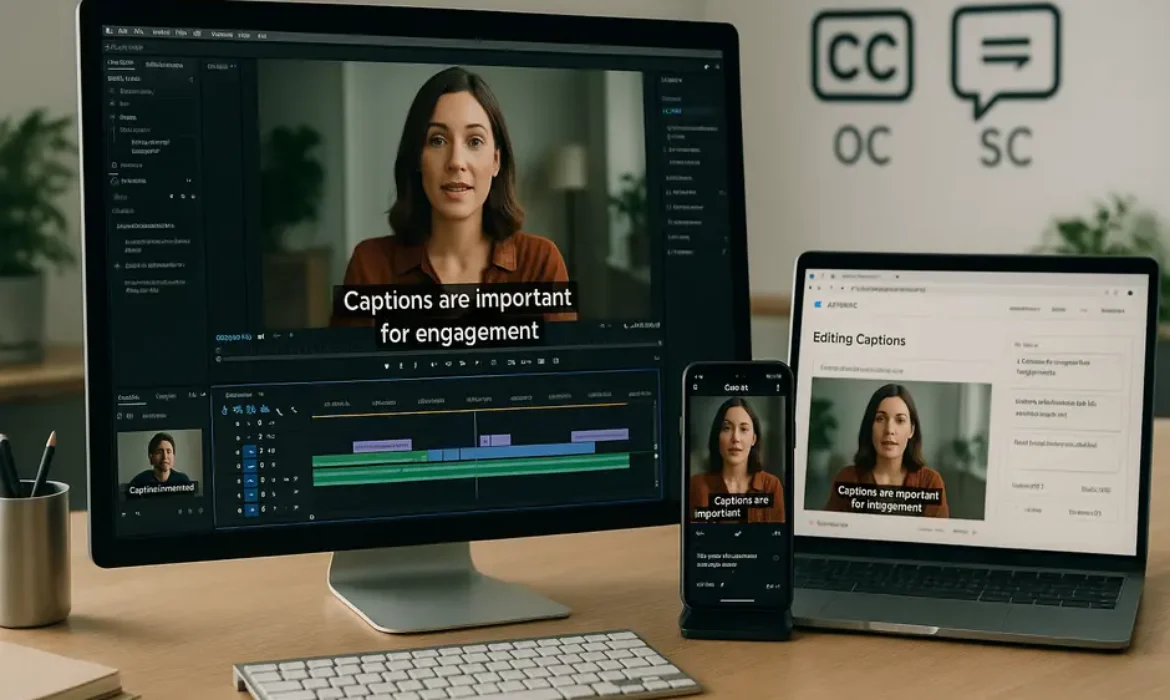
How to Add Captions to Videos: Why It Matters and the Best Methods in 2026
How to Add Captions to Videos: Why It Matters and the Best Methods in 2026
Estimated reading time: 15 minutes
Why Captions Are No Longer Optional
The case for captions goes well beyond accessibility, though that alone would be sufficient justification. According to research from Verizon Media and Publicis Media, 69% of viewers watch video with the sound off in public places, and 25% watch without sound even in private. Meanwhile, a study conducted by PLYmedia found that captioned videos see an average 40% increase in views compared to uncaptioned versions.
These numbers reflect a cultural shift in how people consume media. Audiences scroll through feeds rapidly, often in environments where audio is impractical. A video that communicates its value visually — within the first two or three seconds — earns attention. One that requires sound to be understood loses people immediately.
Then there is the legal dimension. Under the Americans with Disabilities Act and Section 508 of the Rehabilitation Act, certain organizations are required to ensure video content is accessible to people who are deaf or hard of hearing. The Web Content Accessibility Guidelines (WCAG) 2.1, maintained by the W3C, set international standards for digital accessibility, and captions are explicitly addressed within them. Ignoring captioning is, for many businesses, not just a missed opportunity — it is a liability.
Beyond compliance, there is a straightforward human reason: approximately 1.5 billion people globally live with some degree of hearing loss, according to the World Health Organization. Creating captioned content is simply the right way to communicate.
Open Captions vs. Closed Captions: What’s the Difference?
This distinction confuses a lot of people, and it matters practically.
Closed captions are stored as a separate data layer alongside the video file. Viewers can turn them on or off. They are delivered as subtitle files — typically in SRT (SubRip Text), VTT (WebVTT), or SCC formats — and are displayed by the media player when activated. YouTube’s subtitle system works this way. So does most broadcast television.
Open captions (also called burned-in captions or hardcoded captions) are permanently embedded into the video itself. There is no toggle. Every viewer sees them, regardless of platform or player settings. This approach is especially popular for social media, where platforms do not always render external subtitle files consistently, or where creators want complete control over typography and placement.
Here is a quick comparison:
| Feature | Open (Burned-In) Captions | Closed Captions |
|---|---|---|
| Viewer control | None — always visible | Can be toggled on/off |
| Platform compatibility | Universal | Depends on player support |
| Style customization | Full creative control | Limited by player settings |
| File requirement | Baked into video | Separate .SRT or .VTT file |
| Best for | Social media, reels, TikTok | YouTube, streaming, broadcast |
| Editing flexibility | Requires re-export to change | Edit the subtitle file anytime |
The choice between them depends on your distribution channel. For YouTube, uploading a clean SRT file alongside your video gives viewers and accessibility tools the best experience. For Instagram Reels or TikTok, burned-in captions are generally more reliable because they guarantee visibility regardless of how a viewer’s settings are configured.
The Best Methods to Add Captions to Videos in 2026
There is no single best tool — there is a best tool for your specific workflow, skill level, and content type. Here is an honest breakdown of the most widely used methods.
Descript
Descript has become one of the most impressive tools in a video editor’s arsenal, particularly for creators who work primarily with spoken content. It transcribes your audio automatically and then lets you edit the transcript like a document — cut a sentence in the transcript, and it cuts the corresponding video clip. Adding captions in Descript is a natural part of this workflow.
Its transcription accuracy is strong for clear speech in English, and it supports multiple export formats including burned-in captions and SRT files. For podcasters, interview-based content, and anyone producing talking-head videos, Descript significantly reduces the time investment for captioning.
Rev
Rev operates differently — it is primarily a human-powered transcription and captioning service, with an AI-assisted tier as well. Human-transcribed captions from Rev achieve accuracy rates above 99%, which matters enormously if your content features technical terminology, accents, multiple speakers, or fast-paced dialogue where automated tools frequently stumble.
You upload your video, specify your turnaround time (as fast as a few hours), and receive an SRT file. The cost is higher than automated alternatives, but for client deliverables, legal content, or anything requiring publishable accuracy, Rev earns its price.
Kapwing
Kapwing is a browser-based editor that has refined its auto-captioning significantly over the past couple of years. It is particularly popular among social media creators who want to add subtitles to video without learning a complex editing suite. You upload your file, generate captions automatically, edit any errors in-browser, and export.
What makes Kapwing practical is its caption styling interface. You can adjust font, color, size, background, and position before exporting — making it a solid option for Instagram captions and short-form social content where visual presentation matters.
Adobe Premiere Pro
For professional video editors, Adobe Premiere Pro’s caption workflow is now genuinely capable. The Speech to Text feature within Premiere uses Adobe Sensei to auto-transcribe your audio directly in the timeline. From there, you can edit the transcription, adjust timing, and choose between exporting burned-in captions or a separate subtitle file.
Premiere also gives you access to caption styles, allowing teams to establish a consistent visual identity across all their video content. If you are already working inside the Adobe ecosystem, there is little reason to use a third-party tool for captions.
CapCut
CapCut has earned its place as one of the most widely used mobile editing apps, particularly for TikTok content. Its auto-caption feature is fast, reasonably accurate, and extremely easy to apply. For creators working on mobile, it is the most frictionless path to burned-in captions.
The font and style options have expanded considerably, and CapCut has begun introducing animated caption styles that sync with speech rhythm — a feature that has become a signature visual element in short-form video content.
YouTube Auto Subtitles
YouTube’s automatic subtitles use Google’s speech recognition technology and have improved substantially. For well-recorded content with a single clear speaker, accuracy is generally high. However, they are generated after upload and are not always available immediately. More importantly, you cannot control the styling.
The strongest use case for YouTube auto captions is as a starting point: upload your video, let YouTube generate the transcript, then download it, clean it up, and re-upload the corrected version as a proper subtitle file. This approach gives you the speed of automation with the accuracy of a human review.
Platform-Specific Caption Strategies
Each platform has its own behavior, and a one-size-fits-all approach to captions will consistently underperform.
TikTok
TikTok introduced its own auto captions feature through the Accessibility settings, and many creators now leave this active. However, relying solely on TikTok’s native captions is a gamble because they may not display for all users. The more reliable approach — and the one top creators consistently use — is burning captions into the video before uploading.
TikTok’s audience also responds well to dynamic, stylized captions that feel energetic and match the pacing of the content. Static, plain-text captions often feel mismatched with TikTok’s aesthetic.
Instagram Reels
Instagram offers auto-generated captions as a sticker option, and they work reasonably well for short clips. For professional or brand content, burned-in captions with controlled styling are a better choice. Instagram’s caption sticker can be inconsistent across devices and does not always render correctly in all regions.
Font size matters significantly on Instagram Reels given the vertical format and the interface elements (like, comment, share buttons) that occupy screen real estate on the right side of the screen. Keeping captions in the lower-middle portion of the frame avoids overlap.
YouTube
YouTube’s closed caption system is one of the most mature on any platform. Upload an SRT file aligned to your video’s timeline, and YouTube will display it cleanly. You can also add multiple language tracks — critical for channels with international audiences.
One SEO benefit worth noting: YouTube’s algorithm indexes the content of your captions and transcript. A well-structured, keyword-naturally-present caption file can contribute to better discoverability in YouTube search.
LinkedIn auto-generates captions for native video uploads, and they are serviceable but not always accurate. For brand and executive communications, uploading an SRT file directly is recommended. LinkedIn users often watch video content in professional environments — at their desks or in open offices — where audio is frequently muted, making captions especially important for this platform.
Caption Style and Design: What Actually Works
The technical side of captioning is only half the picture. How your captions look has a direct effect on whether viewers read them — and whether they engage with your content.
Several design principles consistently outperform generic defaults:
- Contrast is non-negotiable. White text with a black semi-transparent background is the classic pairing for readability, and it works across every background because the contrast is self-contained. Pure white text without a background becomes unreadable against light footage.
- Font size should lean larger than you think. On mobile screens — which represent the majority of social media viewing — captions that feel appropriately sized on a desktop monitor become difficult to read. Test your captioned video on a phone before publishing.
- Limit characters per line. A common professional standard is 32–42 characters per line. More than that, and viewers are reading rather than watching. Captions should support the video, not compete with it.
- One to two lines at a time. Stacking three or four lines of text at once covers significant screen real estate and disrupts visual flow. Shorter caption blocks force more precise timing but produce a better viewing experience.
- Consider color for emphasis. Many social-first creators now use color to highlight key words within captions — typically matching a brand color or using a high-contrast accent. This technique, popularized in podcast clip content, has proven effective at increasing retention within short-form video.
Animated Captions: Are They Worth the Effort?
In 2024 and 2025, animated captions moved from novelty to mainstream. Tools like CapCut, Descript, Submagic, and even Adobe Premiere Pro offer word-by-word or phrase-by-phrase animated caption styles — where each word pops or highlights in sync with the speaker’s delivery.
The engagement data supports the investment. Animaker and several independent creator studies found that word-by-word animated captions can increase average watch time by 20–30% on short-form content compared to static captions.
The reason is psychological. Word-by-word captions guide the viewer’s attention precisely where the creator wants it, creating a rhythm that mirrors the speech. It reduces cognitive load — the viewer does not have to read ahead or catch up. The experience feels more dynamic and intentional.
The tradeoff is production time. Animated captions require more rendering and, in manual workflows, more precise timing. Automated tools handle much of this, but the output still benefits from a review pass. For high-priority content — hero videos, brand campaigns, pillar podcast clips — animated captions are worth the additional effort. For high-volume, lower-stakes content, static burned-in captions remain an efficient and effective choice.
Accessibility, SEO, and Why Search Engines Love Captions
Captions serve two constituencies simultaneously: human viewers and search engine crawlers.
From an accessibility standpoint, captions are not just about deafness. People with auditory processing disorders, non-native speakers, and viewers in loud environments all benefit from text representation of spoken content. The WCAG 2.1 guidelines from the W3C specify that prerecorded video with audio requires captions at Level A compliance — the baseline requirement for accessible content.
From an SEO standpoint, search engines cannot watch your video. They read metadata, transcripts, and in some contexts, caption files. A properly captioned YouTube video gives Google additional textual content to index, which means the video has a better chance of surfacing for relevant searches. This is not a dramatic overnight ranking factor, but it is a consistent marginal advantage — and those compound.
For website-embedded videos, pairing a video with a written transcript on the same page creates a content-rich asset that can rank for long-tail queries your primary page may not target. Google’s guidelines on video indexing explicitly recommend providing transcripts and structured data to help their systems understand video content.
There is also a user engagement signal worth considering. Captioned videos reduce bounce rates on pages where video is a primary content element, because more viewers stay and watch. Reduced bounce rate, longer session duration, and higher engagement are all signals that feed back into how a page performs in search.
Key Takeaways
-
- Captions increase video watch time by up to 80% and are critical for silent-scrolling audiences on social media
- Open captions are burned into the video permanently; closed captions can be toggled on or off by the viewer
- Tools like Descript, Kapwing, Rev, CapCut, and Adobe Premiere Pro each serve different use cases and budgets
- Auto captions from YouTube and TikTok are convenient but require manual review for accuracy
- Caption style and placement directly affect engagement, especially on Instagram and TikTok
- Proper captioning supports WCAG accessibility standards and can contribute to better video SEO performance
- Animated captions, popularized by podcasters and short-form creators, are rapidly becoming a standard — not a trend
FAQs
1. What is the fastest way to add captions to a video?
For pure speed, CapCut on mobile or Kapwing in a browser offer the fastest path from upload to captioned export. Both use automatic speech recognition to generate captions within minutes. If you are working inside a professional editing workflow, Adobe Premiere Pro’s Speech to Text feature produces captions without leaving the editing timeline. Keep in mind that speed and accuracy are always in tension — auto-generated captions should always receive at least a basic review pass before publishing, particularly for technical content or proper nouns.
2. Are auto captions accurate enough to use without editing?
For controlled recording environments — a single speaker, good microphone, minimal background noise, standard vocabulary — auto captions from tools like Descript or YouTube are often accurate enough to require only minor corrections. In more complex scenarios (multiple speakers, strong accents, industry jargon, or poor audio quality), accuracy degrades noticeably. A professional service like Rev, which offers human-verified captioning, is the better choice when accuracy is critical. Regardless of the tool, publishing auto-generated captions without any review is risky and can produce embarrassing or confusing errors.
3. What is the difference between captions and subtitles?
Though the terms are often used interchangeably, there is a meaningful distinction. Subtitles assume the viewer can hear the audio but does not understand the language — they translate or transcribe only the spoken dialogue. Captions, by contrast, are designed for viewers who cannot hear the audio at all, so they include not just dialogue but also relevant sound descriptions like “[applause],” “[door closes],” or “[background music].” In practice, most creators use “captions” to refer to any text overlay synchronizing with speech, and this usage has become standard in digital media contexts.
4. Should I use open or closed captions for social media?
For most social media platforms — TikTok, Instagram Reels, LinkedIn, Facebook — open (burned-in) captions are the more reliable choice. Platform-native captioning tools are inconsistent in how they display across different devices, app versions, and regional settings. Burned-in captions guarantee your text appears exactly as designed for every viewer, regardless of their settings. The only meaningful downside is that they cannot be turned off, but on short-form social content, that is rarely a problem because viewers who do not need captions are not typically bothered by them.
5. How do animated captions differ from regular captions?
Regular (static) captions display a line or two of text at a time, synced to the speaker’s timing. Animated captions — popularized by short-form video content and podcast clips — highlight or animate one word at a time as the speaker says it, creating a more dynamic reading experience. This style keeps viewers engaged with the spoken content more effectively than static text blocks. Tools like CapCut, Submagic, and Descript offer animated caption templates. They require more processing time and occasional timing adjustments, but the engagement benefits for short-form content typically justify the additional effort.
6. Do captions help with YouTube SEO?
Yes, in a meaningful way. YouTube’s algorithm reads caption files as part of how it understands and categorizes video content. An accurate caption file — particularly one you upload yourself rather than relying on auto-generated subtitles — gives the platform a clear textual representation of everything spoken in your video. This improves your video’s chances of appearing in search results for relevant queries. Google can also index YouTube transcript content, which means captions can contribute to discoverability on Google Search, not just YouTube’s internal search engine.
7. What file format should I use when uploading captions to YouTube?
YouTube accepts several caption file formats, including SRT (SubRip Text), VTT (WebVTT), SBV (SubViewer), and a few others. SRT is the most universally supported and easiest to edit in a standard text editor. Each line of dialogue in an SRT file includes a sequence number, a timestamp range, and the caption text. If you have exported captions from a tool like Descript, Kapwing, or Rev, they will typically offer SRT as a download option. Once uploaded to YouTube, the captions become searchable and can be toggled by viewers through the video player’s settings.
Conclusion
Captioning has moved from a compliance checkbox to a core content strategy decision. The creators and brands that treat captions as an afterthought are leaving engagement, accessibility, and search visibility on the table. Those who approach captioning with the same intentionality they bring to scripting, lighting, or editing consistently see the difference in their metrics.
The technology in 2026 has made this more accessible than ever. Whether you are working with a mobile-first workflow using CapCut, a professional editorial setup in Adobe Premiere Pro, or a high-accuracy transcription pipeline through Rev, there is a method that fits your process. The barrier is no longer technical skill or budget — it is simply prioritization.
Add captions. Make them readable. Match them to your platform. And review the output before it goes live. That combination alone puts your content ahead of the majority of what is published every day.
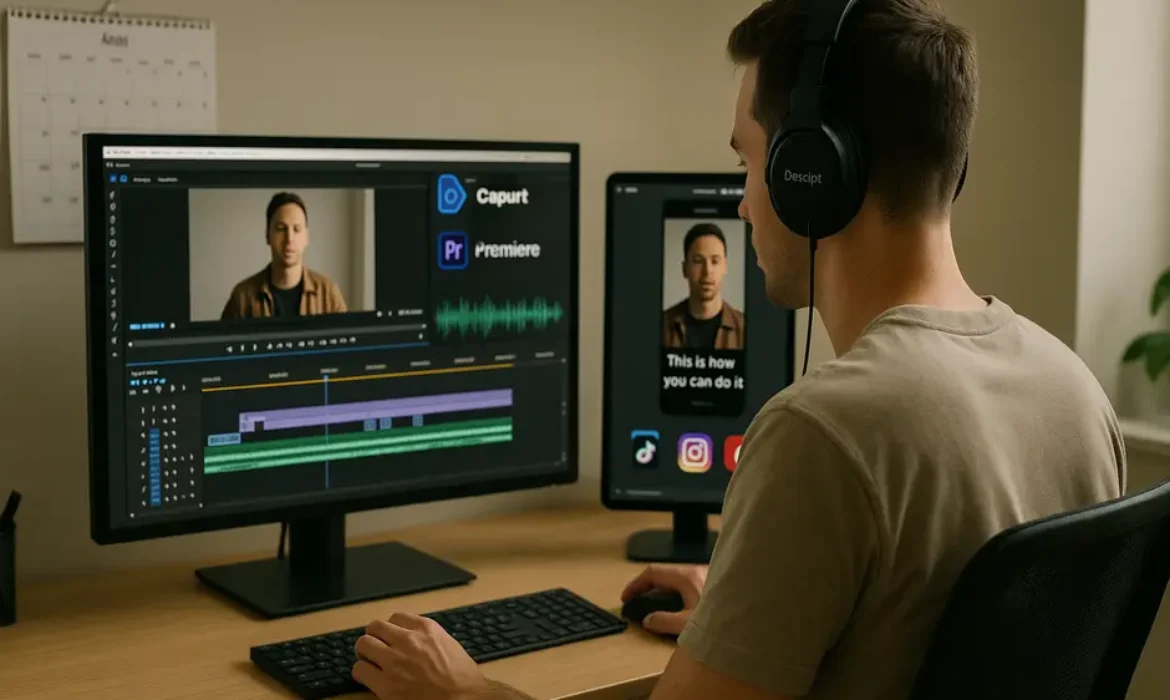
How to Repurpose Long-Form Content into Short-Form Videos (Step-by-Step)
How to Repurpose Long-Form Content into Short-Form Videos (Step-by-Step)
Estimated reading time: 14 minutes
Why Repurposing Long-Form Content Is the Smartest Move You Can Make
Most content creators and marketing teams are sitting on a goldmine they have never fully excavated. That 90-minute podcast episode, that YouTube deep-dive, that webinar recording from last quarter — each one contains hooks, soundbites, expert quotes, and story moments that could drive thousands of views on TikTok, Instagram Reels, or YouTube Shorts.
Yet the majority of brands publish once and move on. The content disappears into an archive while they scramble to produce something new next week.
The math simply does not add up. According to Wyzowl’s State of Video Marketing report, 91% of businesses use video as a marketing tool, and short-form video consistently delivers the highest ROI of any content format. Meanwhile, producing a single polished YouTube video can take anywhere from 10 to 40 hours. Repurposing that same video into short-form content takes a fraction of that time and reaches audiences on platforms you might not even be targeting yet.
This is exactly what savvy content teams at brands like HubSpot, Morning Brew, and countless creator-led businesses have figured out. They build long-form content as a central pillar, then systematically extract, format, and distribute short-form content across every relevant platform.
This guide walks you through exactly how to do that — with a practical, repeatable process that works whether you are a solo creator or running a full content operation.
Understanding What Makes a Great Short-Form Clip
Before you start clipping anything, you need to understand what actually works in short-form video. Not every moment from a long recording deserves to be a Reel or a TikTok. The ones that do tend to share a few common characteristics.
Strong opening hook. Short-form audiences decide within the first two to three seconds whether to keep watching. A clip that starts mid-explanation or with a generic greeting will be scrolled past immediately. The best clips open with a provocative statement, a surprising statistic, or a question that creates immediate curiosity.
Self-contained narrative. A good short-form clip from a long video makes complete sense on its own. Viewers should not need to have watched anything else to follow the point being made.
Emotional or intellectual tension. Whether it is a counterintuitive business insight, a personal story with a turning point, or a concrete tip that solves a real problem — there needs to be some form of tension or payoff that makes watching worthwhile.
Concise length for the platform. TikTok, Instagram Reels, and YouTube Shorts each have their own content rhythms. Generally, 30 to 90 seconds performs consistently, though content that genuinely earns attention can run longer on TikTok and Reels without penalty.
Keep these criteria in mind throughout every stage of the process that follows.
Step 1 — Audit Your Existing Long-Form Library
The first move is not picking up an editing tool — it is taking stock of what you already have.
Pull together every long-form asset you have produced in the last 12 to 24 months. This includes:
- YouTube videos (tutorials, interviews, vlogs, reviews)
- Podcast episodes (especially guest interviews)
- Webinar and live stream recordings
- Online course modules
- Conference talks or panel recordings
Create a simple spreadsheet tracking each piece of content with the following columns: title, length, topic/theme, estimated clip potential, and platform relevance. You do not need anything elaborate. The goal is to get a clear view of the raw material available before you prioritize what to process first.
Prioritization criteria to use:
| Criteria | Why It Matters |
|---|---|
| Evergreen topics | Clips from evergreen content stay relevant longer |
| High-performing originals | Popular long-form content signals the topic resonates with your audience |
| Interview-heavy content | Interviews naturally contain quotable, self-contained moments |
| Data or insight-rich episodes | Statistics and surprising findings make highly shareable clips |
| Recent content | Timely relevance can amplify reach on trending topics |
Start with three to five pieces that score well across multiple criteria. Once you have a clipping workflow running smoothly, you can work backward through your entire archive.
Step 2 — Identify High-Value Moments Worth Clipping
This is where the editorial judgment comes in, and it is genuinely the most important skill in the entire content repurposing process.
Watch or listen through each piece with a dedicated mindset — not as a passive viewer, but as an editor hunting for gold. Timestamp every moment that triggers one of these responses:
- “That is a genuinely surprising or counterintuitive point”
- “That is a concise, perfectly stated explanation of something complicated”
- “That story had a clear beginning, middle, and end”
- “That would resonate strongly with someone who has never heard of this person or brand”
Professional video editors who specialize in clip extraction often work with a simple highlight script method. As they scrub through the footage, they drop timestamps and a one-sentence description of why a moment stood out. After reviewing the full piece, they rank the highlights by potential and build from there.
If you are working with podcast audio specifically, you can turn the audio into a transcript first (Descript makes this seamless), then scan the text for quotable lines and sharp insights. It is far faster than listening in real time.
For a 60-minute video, a realistic clip extraction should yield:
| Content Length | Estimated Clips |
|---|---|
| 15–30 minutes | 5–10 clips |
| 30–60 minutes | 10–20 clips |
| 60–90 minutes | 15–30 clips |
| Full-day event/course | 30–50+ clips |
Not all of them will be publish-ready. Plan to use roughly 60 to 70 percent of what you extract after reviewing quality.
Step 3 — Choose the Right Tool for Your Workflow
The tool you choose will shape how fast and how scalably you can repurpose long-form content to short-form. Each option below serves a different use case and skill level.
Opus Clip
Opus Clip is purpose-built for automated clip extraction from long videos. You drop in a YouTube URL or upload a video file, and the AI identifies the highest-engagement moments, clips them, adds captions, and scores each clip based on predicted virality potential.
It is not perfect — you will still want to review and sometimes manually adjust clips — but it dramatically accelerates the first pass. For teams producing high volumes of content, it functions like a force multiplier.
Best for: Creators and teams who need to process large volumes quickly and want automation to handle the heavy lifting.
Descript
Descript takes a transcript-first approach. Every word in your video becomes editable text, meaning you can cut a clip simply by deleting sentences in a document. It also handles multi-track audio, screen recordings, and automatic filler word removal.
The collaborative editing features make it particularly strong for teams where one person does editorial review and another handles the actual cutting. Descript also generates captions natively and supports direct social publishing.
Best for: Podcasters repurposing audio to video Reels, teams that want editorial control without steep editing learning curves.
CapCut
CapCut is a free mobile and desktop editor with an impressive suite of short-form specific features — auto-captions, trending templates, beat sync, background removal, and text animations that match the aesthetic of native TikTok content. For creators who want polished, platform-native results without paying for a subscription, CapCut is difficult to beat.
Best for: Individual creators who want high-quality results without spending on software.
Adobe Premiere Pro
Premiere Pro is the professional standard. It offers complete control over every element of your clip — color grading, audio mixing, motion graphics, multi-resolution export. The learning curve is steeper, but for brands where production quality is a differentiator, it is worth the investment.
The Essential Graphics panel and sequence presets make vertical crop and reformatting significantly faster than it used to be. Premiere’s integration with Adobe After Effects also opens up polished text animation and motion graphics options.
Best for: Production teams, agencies, and creators who already know Premiere and need maximum quality control.
| Tool | Best For | Price | Learning Curve | Auto-Captions |
|---|---|---|---|---|
| Opus Clip | High-volume automated clipping | Paid (free trial) | Low | Yes |
| Descript | Transcript-based editing | Freemium | Low–Medium | Yes |
| CapCut | Free, platform-native aesthetic | Free | Low | Yes |
| Premiere Pro | Professional quality control | Subscription | High | With plugins |
Step 4 — Crop, Format, and Optimize for Each Platform
One of the most common mistakes in short-form video production is treating it as a simple export process. Cropping a horizontal 16:9 video to vertical 9:16 without thoughtful repositioning is often worse than not posting at all. Talking heads get decapitated. Key visual elements disappear off screen. The result looks like an afterthought.
Here is how to handle formatting properly.
Aspect Ratios by Platform:
| Platform | Recommended Ratio | Resolution |
|---|---|---|
| TikTok | 9:16 | 1080 x 1920 |
| Instagram Reels | 9:16 | 1080 x 1920 |
| YouTube Shorts | 9:16 | 1080 x 1920 |
| LinkedIn Video | 1:1 or 4:5 | 1080 x 1080 / 1080 x 1350 |
| Twitter/X Video | 16:9 or 1:1 | 1280 x 720 / 1080 x 1080 |
For vertical crops, use dynamic tracking in Premiere Pro or CapCut’s auto-reframe feature to ensure the camera follows the subject rather than cropping a static center cut. When the speaker moves or gestures, auto-reframe adjusts the crop dynamically — a small detail that makes a significant difference to watch-through rates.
If your original footage was shot in a studio or controlled environment with clean framing, vertical cropping is straightforward. If it was shot in a wide-angle format or with multiple people on screen, you will need to make intentional editorial decisions about what to prioritize in the frame.
Step 5 — Add Captions, B-Roll, and On-Screen Context
This step separates forgettable clips from ones that actually perform. Three elements consistently improve short-form video retention: captions, contextual b-roll, and on-screen text that reinforces key points.
Captions
According to research published by Verizon Media, 69% of people watch video with sound off in public places. Captions are not optional — they are essential. Every short-form clip you publish should have accurate, well-timed captions.
Both Opus Clip and Descript generate captions automatically with reasonable accuracy. CapCut does the same on mobile. Regardless of which tool you use, always review the caption file manually before publishing. Proper nouns, technical terms, and brand names are consistently misread by auto-captioning systems.
Style your captions for the platform. TikTok-native content typically uses large, high-contrast text centered on screen. LinkedIn clips may use more subdued subtitle styling. The aesthetic should feel at home on the platform where it lands.
B-Roll
For podcast clips and talking-head interview footage, relevant b-roll keeps visual interest alive. If you are repurposing a podcast episode into Reels, a static waveform animation over a branded background is the bare minimum. Stronger options include:
- Screen recordings that illustrate the point being made
- Stock footage that adds visual metaphor to the concept
- Text-over animations that break down a multi-step process
- Quick-cut reaction shots if you have multiple camera angles
On-Screen Context Text
Short-form viewers frequently encounter your clips without any prior context about who you are. A brief on-screen label — “Ep. 47 | The Growth Marketing Pod” or “From our YouTube deep-dive on content strategy” — adds credibility and encourages viewers to seek out the original long-form piece.
This is also where you can add value-layering: bullet points that appear as the speaker makes each argument, data overlays, or callout boxes that highlight the core insight. Done tastefully, these elements increase the perceived value of the clip significantly.
Step 6 — Build a Distribution Calendar That Actually Works
Even a perfectly produced clip fails if it is posted inconsistently or without a strategy behind the timing.
A content repurposing strategy works best when it is mapped to a publishing calendar that specifies: which clip goes on which platform, on which day, with what caption and hashtag set.
Sample Weekly Distribution From One Long-Form Piece:
| Day | Platform | Content Type |
|---|---|---|
| Monday | YouTube Shorts | Insight clip with captions |
| Tuesday | TikTok | Hook-forward story clip |
| Wednesday | Instagram Reels | Quote card animated clip |
| Thursday | Thought leadership data clip | |
| Friday | Twitter/X | Short punchy moment, 30 seconds |
| Weekend | Instagram Stories | Behind-the-scenes or teaser for next week |
One long-form video can easily power a full week — sometimes two weeks — of platform-native short-form content. The key is to avoid copy-pasting the same clip across every platform simultaneously. Vary the hooks, adjust the captions for each platform’s culture, and stagger the publishing schedule.
Use a tool like Notion, Airtable, or a dedicated social media calendar to plan this in advance. Some teams use a simple Google Sheet with columns for clip file name, platform, caption draft, hashtags, scheduled date, and published URL. The sophistication of the tool matters far less than the consistency of the process.
Step 7 — Measure, Iterate, and Refine Your Strategy
Repurposing is not a set-it-and-forget-it strategy. The teams that get the most from their content repurposing workflow are the ones that actually analyze what is working and feed those insights back into their content creation and editing decisions.
Metrics to track by platform:
| Platform | Primary KPIs | Secondary KPIs |
|---|---|---|
| TikTok | Watch time, completion rate | Follows gained, shares |
| Instagram Reels | Reach, plays, saves | Profile visits, DMs |
| YouTube Shorts | Impressions, click-through rate | Subscriber conversion |
| Impressions, engagement rate | Profile views, connection requests |
When a clip significantly outperforms others, dig into why. Was it the hook? The topic? The caption? The length? Document the pattern and replicate it in your next batch.
Conversely, when clips consistently underperform on a specific platform, do not assume the content is the problem. Sometimes it is the caption, the thumbnail, the posting time, or the hashtag set. Test one variable at a time before drawing conclusions.
Over six to twelve months of consistent execution, you will have built a data-driven understanding of exactly what kind of clip extraction yields the best results for your specific audience — and that knowledge becomes a genuine competitive advantage.
Key Takeaways
-
- Long-form content — YouTube videos, podcasts, webinars — contains dozens of short-form clips waiting to be extracted
- A structured video clipping workflow can turn one 60-minute recording into 15 to 30 pieces of short-form content
- Tools like Opus Clip, Descript, CapCut, and Premiere Pro each serve different skill levels and budgets
- Platform-native formatting (vertical crop, captions, aspect ratio) is non-negotiable for short-form performance
- Repurposing is not just about saving time — it is about compounding reach across channels without producing new content from scratch
- Repurposing long-form content to short-form is a force multiplier, not a shortcut. The goal is compounding reach and topical presence across platforms
- Every long-form asset — YouTube video, podcast, webinar — contains extractable clips if you watch it with an editorial eye
- The clip extraction process is where most of the value is created. Prioritize moments with strong hooks, self-contained narratives, and clear takeaways
- Tool selection should match your team’s skill level and volume requirements. Opus Clip for automation, Descript for transcript-based editing, CapCut for free polished output, Premiere Pro for maximum control
- Vertical crop, accurate captions, and platform-native formatting are non-negotiable for short-form performance
- A staggered distribution calendar across multiple platforms maximizes the mileage from every clip without fatiguing any single audience
- Measure consistently and let data guide your repurposing decisions over time
FAQs
1. How many short-form videos can I realistically get from one long-form piece of content?
It depends on the length and density of the original content, but a useful rule of thumb is one quality clip for every three to five minutes of runtime. A 45-minute podcast episode could realistically yield 8 to 15 publishable clips. A 90-minute webinar might produce 20 or more. The key word is “quality” — not every timestamp becomes a clip worth publishing. Focus on moments that are self-contained, hook-strong, and genuinely valuable to someone encountering your brand for the first time.
2. Do I need expensive software to repurpose YouTube videos into Reels?
Not at all. CapCut is free on both desktop and mobile and handles auto-captions, vertical cropping, text animations, and export in the correct resolution for every major platform. Descript offers a generous free tier. The paid tools like Opus Clip or Adobe Premiere Pro offer speed and control advantages that matter at scale, but if you are just starting out or working solo, you can produce professional-quality results without spending a dollar on software.
3. What is the best way to repurpose a podcast episode into short-form video if I have no video footage?
This is more common than people realize, and there are several effective approaches. The most popular option is an audiogram format — a waveform animation overlaid on a branded background or relevant still image, with auto-generated captions. Tools like Descript and Headliner make this straightforward. For a more engaging result, you can pair the audio with relevant stock footage or screen recordings that illustrate the topic being discussed. Some podcasters also record a “face cam” reaction to their own episodes, which adds a visual element while keeping the best audio moments intact.
4. How do I make sure my clips feel native to TikTok and not like repurposed content?
The biggest giveaway that content is repurposed is usually the aspect ratio, the pacing, and the hook. TikTok audiences are attuned to content that starts immediately — no intros, no “welcome back” — and that uses informal, conversational language. When you clip for TikTok specifically, trim every second of preamble before the hook hits. Adjust your caption to use TikTok-native language. Consider adding trending audio underneath talking-head clips where the original audio is secondary. Small formatting choices — text style, caption positioning, cut speed — signal to the algorithm and the viewer that this content belongs there.
5. Can this workflow work for a small team or solo creator without dedicated video editors?
Absolutely, and this is arguably where content repurposing delivers its greatest value. A solo creator who records one long YouTube video per week can use Opus Clip to auto-generate initial clips, review and approve the best ones in Descript, and publish through CapCut with minimal editing time. The entire repurposing process for one 60-minute video, once you have a workflow established, can take two to three hours. That is a significant leverage point compared to producing separate short-form content from scratch every single day.
6. How do I clip long video for TikTok without violating copyright or platform rules?
If you are clipping your own original content, there are no copyright concerns — the content is yours to redistribute in any format. If you are working with interviews, guest appearances, or licensed content, ensure you have clear written agreements about content redistribution rights before repurposing. For music, always use royalty-free audio or TikTok’s licensed sound library rather than clipping audio from a long video that contains background music you did not license for social distribution. TikTok’s content matching system is sensitive, and a copyright strike on a clip can suppress your entire account’s organic reach.
7. How long does it take to see results from a content repurposing strategy?
Short-form video results can appear quickly — some clips go wide within 48 hours of publishing — but building a consistent, compounding presence across platforms typically takes three to six months of regular publishing. The algorithm on every major short-form platform rewards consistency and engagement history. In the early months, treat each clip as data rather than a campaign. Over time, as your channel builds authority and your clipping instincts sharpen, you will see engagement rates stabilize and grow. The brands and creators who commit to repurposing as a long-term system — rather than a one-off experiment — consistently report it as one of the highest-return activities in their entire content operation.
Conclusion
The shift to short-form video is not a trend that is going away. It reflects a fundamental change in how people consume content across every platform, demographic, and device. Brands and creators who continue to treat their long-form library as a one-time asset are leaving enormous reach, authority, and audience growth on the table.
Repurposing long-form content to short-form is not about cutting corners. Done properly, it is a systematic, editorial process that amplifies the best ideas from your best content and delivers them to the right audience on the right platform in the right format.
Start with what you already have. Build the workflow. Stay consistent with distribution. Let the data guide your iterations. Within a few months, you will wonder why it took so long to start treating your content archive like the strategic asset it has always been.
Have a specific long-form format you want to repurpose — podcast, webinar, or YouTube series — and want to know which workflow fits your situation best? Drop your question in the comments.
YouTube Shorts vs TikTok vs Instagram Reels: Which Platform Should You Focus On?
YouTube Shorts vs TikTok vs Instagram Reels: Which Platform Should You Focus On?
Estimated reading time: 14 minutes
Why This Decision Actually Matters
Most creators and marketers treat this question like a preference debate, the kind of thing you settle over coffee and gut instinct. But choosing between YouTube Shorts, TikTok, and Instagram Reels is a genuine business decision, one that affects your reach, your income, your audience growth, and how much of your working life you spend creating content that either compounds over time or disappears into a feed.
The short-form video space is crowded, fast-moving, and increasingly competitive. Every platform claims to reward creators generously. Every algorithm is supposedly designed to surface great content regardless of follower count. None of these claims are entirely false, but none of them tell the full story either.
This comparison goes beyond surface-level metrics. It covers how each platform actually distributes content, where monetisation is realistic, which audiences you can realistically reach, and how to make an intelligent decision based on your specific goals rather than whichever platform happens to be trending in a creator economy podcast this week.
The State of Short-Form Video in 2026
Short-form video is no longer an experiment. It is the dominant content format across social media, and the numbers back that up decisively.
TikTok crossed 1.9 billion monthly active users globally by late 2025, according to Statista. YouTube Shorts generates over 70 billion views per day, a figure YouTube itself has confirmed publicly. Instagram, meanwhile, has pivoted so heavily toward Reels that the platform’s own CEO acknowledged in congressional testimony that video content now receives priority distribution over static posts.
The vertical 9:16 format that TikTok popularised has become the industry standard. Creators who once resisted the format have largely adapted, and brands that ignored short-form video are actively playing catch-up.
But growth in the category does not mean all three platforms are equivalent opportunities. They are meaningfully different in ways that directly affect your strategy.
Platform-by-Platform Breakdown
YouTube Shorts
YouTube Shorts launched globally in 2021 as Google’s response to TikTok’s explosive growth. For a platform that built its entire identity on long-form video, the pivot to 60-second (now up to 3-minute) vertical clips was a significant strategic shift, and it has largely paid off.
What makes Shorts genuinely interesting is the ecosystem it sits inside. YouTube is the world’s second-largest search engine. When you build an audience through Shorts, you are building it on a platform where content has a much longer shelf life than on TikTok or Instagram. A YouTube Short can surface in search results weeks or months after it was published. On TikTok, the average video’s peak performance window is typically 24 to 72 hours.
Shorts also benefit from YouTube’s existing infrastructure. Subscribers from your long-form channel carry over. If someone discovers you through a Short, they can immediately navigate to a full-length video, a course, a community post, or a podcast. The funnel exists. You do not have to build it from scratch.
The platform is also increasingly serious about creator retention. YouTube Shorts can now be up to 3 minutes long, which gives creators more storytelling room than TikTok’s standard length.
Best suited for: Creators who already have, or plan to build, a YouTube channel; educators, coaches, and anyone whose business model depends on converting viewers into subscribers, customers, or community members.
TikTok
TikTok remains the most culturally influential short-form platform in the world, and its algorithm is, by most accounts, still the most powerful discovery engine of the three. The For You Page (FYP) has a unique ability to surface content to completely cold audiences with no prior engagement history, which is why TikTok has produced more overnight success stories than any other platform in the last five years.
The platform’s strength is also its fragility. TikTok’s content lifecycle is compressed. Virality happens fast, but so does decay. Videos that perform exceptionally well today are largely irrelevant by next week. That creates a content treadmill that many creators and brands find exhausting.
There is also the ongoing regulatory uncertainty. TikTok has faced legislative challenges in multiple markets, particularly in the United States, where congressional scrutiny around data privacy and ByteDance’s ownership structure has been persistent. Creators who built their entire audience on TikTok during previous periods of regulatory uncertainty have already experienced moments of genuine anxiety about platform continuity. That risk is real and worth factoring into any long-term strategy.
TikTok’s strengths are real though: unmatched organic discovery, a highly engaged user base skewed toward Gen Z and younger Millennials, and a creative culture that rewards trend participation and authenticity over production polish.
Best suited for: Brands targeting younger demographics, creators with strong entertainment instincts, businesses that can generate high volumes of content quickly, and anyone whose primary goal is rapid audience growth in the near term.
Instagram Reels
Instagram Reels occupies a complicated middle ground. It launched in 2020 as a direct TikTok competitor, and it has grown substantially, but it has never quite managed to escape TikTok’s shadow in terms of discovery potential or cultural cachet.
That said, Instagram’s strengths are distinct and commercially valuable. The platform skews older than TikTok, with a significant concentration of users between 25 and 44, a demographic with considerably higher purchasing power. For consumer brands, DTC businesses, and service providers, this is not a trivial point.
Instagram also integrates seamlessly with Facebook through Meta’s advertising infrastructure, which gives Reels a potential reach extension that neither TikTok nor YouTube can match in the same way. Brands running paid campaigns can amplify organic Reels performance with precision targeting using Meta Ads Manager.
The organic reach for Reels, however, has been a consistent point of frustration for creators. The algorithm has historically favoured accounts with existing large followings more than TikTok’s FYP does. Discovery for new or smaller accounts tends to be slower and less dramatic. Instagram has tweaked this repeatedly, but the perception that Reels disadvantages newer creators relative to TikTok persists for a reason.
Best suited for: Lifestyle brands, fashion and beauty businesses, coaches and consultants targeting professionals, and creators who already have an established Instagram presence and want to extend reach without starting from zero on a new platform.
Algorithm Deep Dive: How Each Platform Distributes Content
| Factor | YouTube Shorts | TikTok | Instagram Reels |
|---|---|---|---|
| Primary signal | Watch-through rate, engagement | Watch-through rate, reshares | Saves, shares, send-to-DM |
| Discovery mechanism | Shorts shelf, Subscriptions, Search | For You Page | Reels tab, Explore |
| Follower dependency | Moderate | Low | Moderate to High |
| Content longevity | High (searchable) | Low (48-72 hour window) | Moderate |
| Trend sensitivity | Moderate | Very High | High |
| SEO value | Significant | Minimal | Low |
YouTube’s algorithm weighs watch-through rate heavily, along with the downstream engagement that comes after a Short is watched. Do viewers subscribe? Do they click to a long-form video? These signals tell YouTube whether the content is genuinely valuable to its users.
TikTok’s algorithm is famously opaque, but independent analysis from researchers at Georgia Tech and others has consistently found that completion rate and share rate are the strongest predictors of FYP amplification. TikTok also runs videos through a tiered testing process, starting with a small cohort and expanding distribution based on how that cohort responds.
Instagram’s algorithm has shifted significantly toward prioritising sends and saves over likes and comments, which are now treated as weaker signals. This aligns with Meta’s broader interest in private sharing behaviour rather than public engagement. The practical implication for creators is that content designed to make people want to share it privately, think useful tips, relatable moments, or surprising insights, tends to outperform content designed purely for likes.
Monetisation Compared: Where Can You Actually Earn?
| Platform | Programme | Eligibility | Revenue Model | Realistic RPM |
|---|---|---|---|---|
| YouTube Shorts | YouTube Partner Programme | 500 subscribers + 3,000 watch hours or 3M Shorts views in 90 days | Ad revenue share from Shorts Feed ads | $0.03 – $0.07 per 1,000 views (lower than long-form) |
| TikTok | Creator Rewards Programme | 10,000 followers + 100,000 views in 30 days | Engagement-based rewards, min 1 min video required | $0.40 – $1.00 per 1,000 views (higher than predecessor) |
| Instagram Reels | Reels Bonus (invite-only) | Varies; largely invite-based and inconsistent | Milestone-based payouts | Highly variable; often $0 for most creators |
The honest picture here is nuanced. YouTube Shorts’ RPM through the Partner Programme is genuinely low for short-form content. The trade-off is that YouTube’s long-form monetisation is substantially stronger, and Shorts serves as a discovery mechanism that drives subscribers who then watch monetised long-form content. The ecosystem earns, even if the Shorts themselves do not.
TikTok’s Creator Rewards Programme, which replaced the original Creator Fund in 2023, pays meaningfully better than its predecessor and significantly better than Instagram’s Reels bonus, which has been inconsistently available and increasingly deprioritised by Meta. TikTok now requires videos of at least one minute in length to qualify for Creator Rewards, which is a deliberate push toward longer short-form content.
Instagram’s monetisation for organic creators remains the weakest of the three. Where Instagram genuinely earns for creators is through brand partnerships, which the platform facilitates through its branded content tools and creator marketplace. If your monetisation strategy is brand deals rather than platform revenue, Instagram’s demographic profile makes it commercially attractive.
For creators serious about platform-native income, TikTok currently offers the most direct path. For creators building a long-term business, YouTube’s ecosystem offers the most durable foundation.
Audience Demographics and Content Fit
| Platform | Core Age Group | Secondary Group | Gender Split | Top Verticals |
|---|---|---|---|---|
| TikTok | 18 – 24 | 25 – 34 | Roughly 55% female | Entertainment, beauty, food, comedy |
| YouTube Shorts | 18 – 34 | 35 – 44 | Slightly male-skewed overall | Education, gaming, finance, tech |
| Instagram Reels | 25 – 34 | 18 – 24 | Roughly 51% female | Fashion, lifestyle, travel, wellness |
These are aggregate patterns, not rules. YouTube’s broader user base, which includes over 2.5 billion monthly active users across all formats, means that niche audiences exist across virtually every category. A creator making content about sourdough bread or forensic accounting can find a viable audience on YouTube in a way that is harder to achieve on TikTok, where niche content without inherent entertainment value tends to struggle.
TikTok’s Gen Z concentration is significant for brands targeting younger consumers, but it also means that certain professional and financial topics reach smaller proportions of the audience there than they would on YouTube or even LinkedIn.
Instagram’s audience tends to be slightly more affluent and more engaged with lifestyle purchasing decisions, making it disproportionately valuable for brands in the mid-to-premium consumer space.
Cross-Posting: Smart Strategy or Lazy Shortcut?
Cross-posting the same video to all three platforms simultaneously is tempting, and every major platform officially discourages it while privately acknowledging that most creators do it anyway.
The nuance worth understanding is that cross-posting mechanics matter more than the act itself. Uploading a TikTok watermarked video to YouTube Shorts or Instagram Reels is a documented way to reduce distribution. YouTube and Instagram have both confirmed, at various points, that they deprioritise content that contains competitor watermarks. That is an easy problem to solve: use the original file rather than a downloaded version.
What requires more effort is adapting content for each platform’s native context. A TikTok that relies heavily on trending sounds may not perform as well on YouTube Shorts, where audio licensing works differently. An Instagram Reel that assumes familiarity with Instagram culture may land awkwardly on TikTok. Hooks, pacing, text overlays, and even aspect ratio cropping can all affect how content performs on a different platform.
The pragmatic approach for most creators is to create content natively for the platform you are prioritising, then adapt rather than simply duplicate for the others. This is slightly more work, but it yields meaningfully better results.
Which Platform Should You Focus On?
The honest answer is that there is no universal correct answer, but there is almost always a correct answer for your specific situation. Here is a practical decision framework:
Focus on YouTube Shorts if:
- You want to build a channel that compounds over time and survives algorithm changes
- Your content has educational, instructional, or evergreen value
- You are building toward long-form video, podcasting, or a membership model
- Monetisation through ad revenue is part of your plan
- You want your content to be discoverable through search, not just feeds
Focus on TikTok if:
- Your primary goal is rapid audience growth in the near term
- You are targeting an audience under 35
- You can produce content at volume and adapt quickly to trends
- You are comfortable with platform risk and do not have all your eggs in one basket
- Your monetisation plan relies on brand deals or driving traffic elsewhere
Focus on Instagram Reels if:
- You already have a meaningful Instagram presence
- Your target audience is 25 to 45 with above-average spending power
- You are a lifestyle, fashion, wellness, or consumer brand
- Your business benefits from Meta’s advertising ecosystem
- Brand partnerships are central to your revenue model
The case for doing two platforms well:
Many creators and marketing teams find that a two-platform approach, typically TikTok plus YouTube, or Instagram plus YouTube, produces better results than trying to master all three simultaneously. YouTube provides the long-term foundation. TikTok or Instagram provides the discovery and cultural relevance. The combination works because they serve different functions in the same growth strategy.
Attempting all three with equal investment of time and creative energy is a strategy most teams find unsustainable. Depth consistently outperforms breadth in short-form video, at least until you have the team and resources to genuinely serve multiple platforms.
Key Takeaways
-
- YouTube Shorts offers the strongest long-term growth potential due to search integration, content longevity, and ecosystem depth, but its standalone monetisation is modest
- TikTok’s Creator Rewards Programme pays better than its predecessor and better than Instagram’s Reels bonus, but platform regulatory risk is a genuine consideration
- Instagram Reels underperforms for organic discovery but excels for brand deals targeting older, higher-income audiences
- Algorithm signals differ significantly: YouTube rewards watch-through and downstream engagement; TikTok rewards completion and shares; Instagram rewards saves and private sends
- Cross-posting works, but adapting content to each platform’s native context produces substantially better results than duplicating
- Choose your primary platform based on your audience, your content type, and your monetisation model, not on which platform is generating the most cultural buzz at any given moment
- A two-platform strategy, typically YouTube plus one discovery-focused platform, is often more sustainable and more effective than spreading across all three equally
FAQs
1. Which platform has the best algorithm for growing a new account from zero?
TikTok still offers the most accessible path to discovery for brand-new accounts with zero followers. Its For You Page genuinely does surface content from unknown creators to large audiences, provided the video performs well with the initial test cohort. That said, “growing fast” and “growing sustainably” are different goals. YouTube Shorts and Instagram Reels both tend to grow more slowly for new accounts but often produce more durable, engaged audiences over time.
2. Is YouTube Shorts monetisation worth it compared to TikTok?
Not on a pure per-view basis. YouTube Shorts RPM through the Partner Programme typically falls between $0.03 and $0.07 per 1,000 views, which is significantly lower than TikTok’s Creator Rewards Programme, which averages $0.40 to $1.00 per 1,000 qualified views. However, YouTube’s value for monetisation comes from the ecosystem, not the Shorts RPM itself. Shorts drive subscribers who watch long-form content that earns at far higher CPMs, often $3 to $15 per 1,000 views depending on niche. If you are evaluating YouTube purely on Shorts revenue in isolation, you are measuring the wrong thing.
3. Can you make a full-time income from short-form video alone?
Yes, but the path to doing so differs significantly by platform and strategy. TikTok’s Creator Rewards Programme is the most direct route for platform-native income from short-form video, but it typically requires millions of views per month to generate a liveable income from the programme alone. Most full-time short-form creators combine platform revenue with brand deals, affiliate marketing, merchandise, or products. The creators earning the most from short-form video are rarely relying on any single revenue stream.
4. Does posting on all three platforms hurt performance on any of them?
Not inherently, but the method matters. Posting watermarked content from a competitor platform is documented to reduce distribution on YouTube and Instagram. Posting natively or using the original unbranded file avoids this penalty. The bigger risk is simply quality dilution. When you create for every platform simultaneously, you tend to create for none of them particularly well. Strategic cross-posting with proper adaptation is smart. Automated blanket distribution of identical files rarely produces optimal results on any platform.
5. How long should short-form videos be to perform best on each platform?
This varies by platform and continues to evolve. On TikTok, the Creator Rewards Programme requires at least one minute of content, which has pushed creators toward longer videos, but content between 30 seconds and 90 seconds tends to perform well for entertainment-driven content. On YouTube Shorts, videos between 45 seconds and 90 seconds tend to have strong watch-through rates, though the 3-minute limit opens room for more substantive content. On Instagram Reels, the sweet spot has historically been between 15 and 30 seconds for entertainment content and up to 60 to 90 seconds for educational or instructional content. These are patterns, not rules, and the best-performing length is always the one that serves the specific story you are telling.
6. What type of content works best on each platform?
TikTok rewards authenticity, trend participation, entertainment, and storytelling that hooks within the first two seconds. Polish is secondary to relatability and pacing. YouTube Shorts performs best for content with inherent search value, educational material, tutorials, or content that connects to a broader video library. Instagram Reels favours visually polished content, aspirational lifestyle imagery, and content that fits naturally into a curated aesthetic. Broadly speaking, TikTok is the platform for entertainment, YouTube Shorts for information, and Instagram Reels for inspiration.
7. Is TikTok’s regulatory situation a real risk for creators?
Yes, and it deserves honest acknowledgment. TikTok has navigated significant legislative challenges in the United States, including a brief service interruption in January 2025 before the app’s operational continuity was secured under a revised structure. The underlying tensions around ByteDance’s ownership and data governance have not fully resolved. For creators whose livelihoods depend entirely on TikTok, this is a material risk. The practical response is platform diversification, specifically building an audience on at least one other platform and maintaining an owned channel such as an email list or website that no platform can take away from you.
Conclusion
The YouTube Shorts vs TikTok vs Reels debate does not have a single winner, and anyone telling you otherwise is probably trying to sell you a course. Each platform has genuine strengths, meaningful weaknesses, and specific audiences that make it the right choice for some creators and the wrong choice for others.
What matters is that you make the choice deliberately, based on your audience, your content style, your business model, and your capacity to produce content consistently. The creators who build durable, profitable short-form video presences are not the ones who chased every platform equally. They are the ones who understood what they were building, chose the platform that aligned with that vision, and committed to it long enough to see compounding results.
Short-form video is not going anywhere. The question is simply which platform deserves your best creative energy right now.
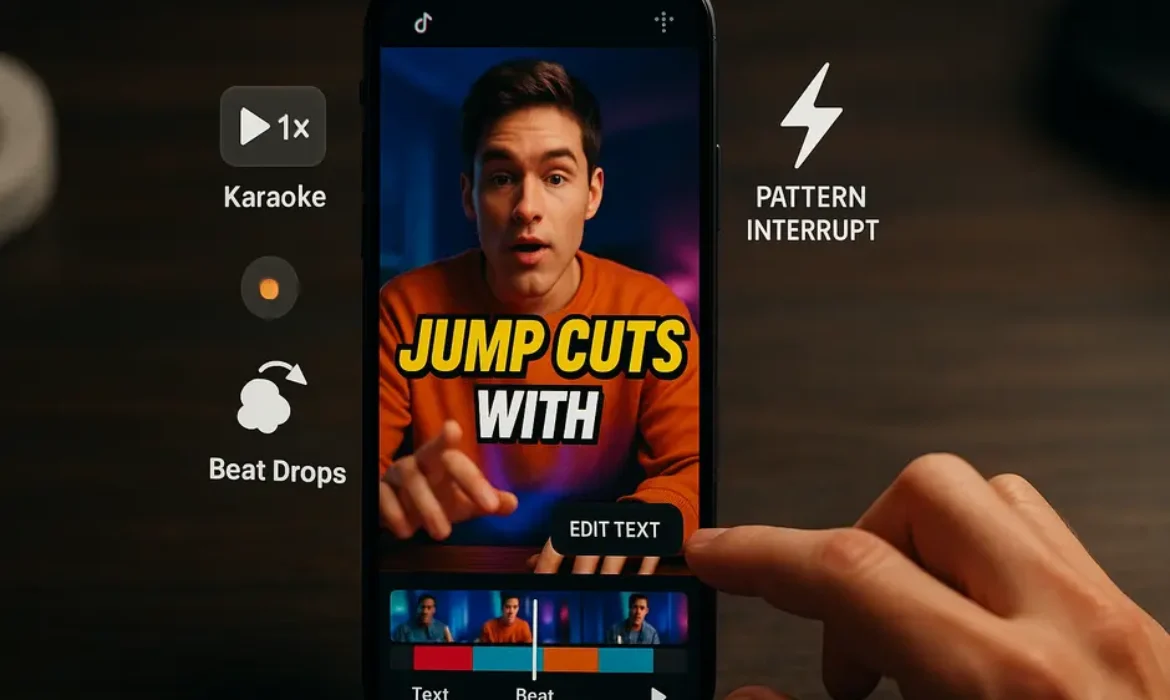
TikTok Video Editing Tips: How to Make Videos That Stop the Scroll
TikTok Video Editing Tips: How to Make Videos That Stop the Scroll
Estimated reading time: 14 minutes
Introduction
Most people assume TikTok success comes down to personality, luck, or posting at the right time. Those things matter, but they are not what separates a 200-view video from one that racks up half a million plays. The real differentiator, the one most creators overlook, is editing.
Not editing in the Hollywood sense. Not color grading, cinematography, or expensive software. TikTok editing is a craft in its own right, built around psychology, pacing, and the specific behaviors of someone scrolling through a feed at 11 PM with nothing particular in mind. Understanding how that person thinks, and more importantly, what makes them stop, is the foundation of every TikTok video editing tip worth following.
This guide is not a surface-level checklist. It is a deep dive into the mechanics of TikTok editing, drawing on how the platform’s algorithm responds to watch time, completion rate, and replays, as well as what the most consistently viral creators are doing that their competitors are not.
Whether you are editing on CapCut, TikTok Studio, or a desktop editor, these principles apply.
Why Editing Is the Real Differentiator on TikTok
TikTok’s algorithm is fundamentally a watch-time machine. According to TikTok’s own documentation on how its recommendation system works, the platform prioritizes videos that users complete, replay, or interact with. Every editing decision you make directly affects those metrics.
Think about it this way: two creators shoot the exact same topic with the exact same information. One edits tightly, uses animated captions, drops a strong hook, and paces the video to maintain tension throughout. The other uploads raw footage with minimal editing. The algorithm will push the first video significantly further, not because the content is better in substance, but because the editing communicates value faster and keeps people watching longer.
This is not speculation. Completion rate is one of the heaviest signals TikTok uses to determine distribution. A video that 80% of viewers watch to the end will be pushed to far more For You pages than a video where 70% of people tap away after four seconds.
Every cut, every caption, every sound choice is either adding watch time or bleeding it.
The First 3 Seconds: Engineering a Visual Hook
If there is one principle that overrides everything else in TikTok video editing, it is this: the first three seconds determine whether anyone sees the rest.
Screen time in those opening moments is brutally competitive. A user scrolling through TikTok sees a new video every few seconds. Your video has roughly one to three seconds to answer an unconscious question in their head: “Is this for me? Is this worth stopping for?” If the answer is not immediately obvious, they scroll.
This is what creators refer to as the visual hook, and it needs to be designed, not discovered in the edit.
What makes a strong visual hook:
- A bold, unexpected image or action in the first frame (not a logo, not a static shot of your face)
- A text overlay that introduces tension, curiosity, or a bold claim immediately
- A midpoint of action rather than a beginning, dropping viewers into something already in motion
- Movement in the frame, which the human eye is biologically wired to track
One of the most effective TikTok hook editing techniques is called the cold open. Instead of introducing yourself or setting context, you begin with the most compelling moment of the video and then pull back. You have seen this in documentary filmmaking for decades. It works on TikTok for the same reason it works on Netflix.
Consider the difference between these two openings for a cooking video:
- “Hey guys, today I’m going to show you how to make the best pasta of your life.”
- A close-up shot of pasta being pulled apart with melting cheese, followed by “I made this in 12 minutes and people think I catered it.”
The second is a hook. The first is a reason to scroll.
Practical editing tip: Edit your intro last. Shoot your full video, identify the most compelling 1-2 seconds anywhere in the footage, and place that at the beginning. Then build your story around it.
Pattern Interrupts and Jump Cuts: Keeping Viewers Locked In
Getting someone to stop scrolling is only half the challenge. Keeping them watching until the end is where most creators fall apart.
The human brain is designed to disengage from predictable stimuli. When your video becomes easy to predict, people leave. This is why the pattern interrupt is one of the most powerful tools in TikTok editing.
A pattern interrupt is any sudden change in the video that resets the viewer’s attention. It can be:
- A jump cut that shifts the camera angle or position
- A sudden text overlay appearing on screen mid-sentence
- A sound effect that punctuates a point
- A change in background or setting mid-video
- A zoom in or zoom out at an unexpected moment
Jump cuts deserve particular attention. Used correctly, a jump cut removes all the dead air between thoughts, creating a sense of pace and energy even in talking-head videos. The most effective TikTok creators cut on every breath, sometimes on every sentence. This is not about being frantic. It is about respecting the viewer’s time and signaling that every moment of your video contains something worth watching.
Research in media psychology consistently shows that faster editing paces are associated with higher perceived energy and engagement. For short-form content specifically, slower pacing correlates directly with higher drop-off rates.
Here is a practical framework for thinking about your cuts:
| Editing Technique | Best Used For | Effect on Viewer |
|---|---|---|
| Jump Cut | Talking-head content, tutorials | Increases pace, removes dead time |
| Pattern Interrupt | Every 5-8 seconds in longer videos | Resets attention, prevents disengagement |
| Zoom Emphasis | Key moments, punchlines, reveals | Creates visual punctuation |
| B-roll Cutaway | Educational or story content | Adds context, maintains visual variety |
| Hard Cut to Text | Making a bold point | Reinforces the message through two channels |
The sweet spot for most TikTok content is introducing some form of pattern interrupt every five to eight seconds. You do not want the interrupts to feel mechanical, but the viewer should never have more than a few seconds of completely static, visually uniform content.
Mastering TikTok Caption Style and Text Overlays
Text overlays are not decorative. They are functional, and understanding TikTok caption style is one of the most undervalued TikTok video editing tips you can apply immediately.
There are two primary reasons captions are so effective on TikTok. First, a significant portion of TikTok users watch with the sound off, particularly in public or work environments. Captions make your content accessible to this audience and dramatically increase completion rates. Second, reading and listening simultaneously reinforces comprehension and creates a stronger connection to the content.
The TikTok caption style that consistently performs well shares several characteristics:
- Large, bold font that is readable on a mobile screen without zooming
- High contrast between text and background (white text with a black outline, or black text on a white background)
- Short phrases rather than full sentences, appearing in sync with the spoken words
- Strategic emphasis on key words, often through size, color, or animation changes
Text placement matters more than most creators realize. Research on mobile video viewing behavior shows that users’ eyes naturally gravitate toward the lower third of the screen but also track the center. Avoid placing text directly over faces or critical visual elements. The TikTok interface already takes up real estate at the bottom of the screen, so consider the upper-center or middle of the frame as prime text real estate for critical messages.
A common mistake: Using captions that simply transcribe what you are saying word for word at the same pace as your speech. This is a missed opportunity. The most effective text overlays on TikTok emphasize specific words, create their own rhythm, and sometimes add information that is not spoken aloud, functioning as a second layer of communication running parallel to your voiceover.
Animated Captions on TikTok: The Feature Everyone Is Using
Animated captions have moved from a novelty to a near-universal standard in high-performing TikTok content. If you are not using them, your videos likely feel slightly dated compared to those appearing around them in the feed.
Animated captions are subtitles that appear dynamically, usually word by word or phrase by phrase, synchronized to the speaker’s voice. The animation can be as simple as words fading in, or as stylized as letters bouncing, glowing, or flipping into position.
The reason they work comes down to dual coding theory, a well-established principle in cognitive psychology suggesting that people process information more effectively when it is presented through both verbal and visual channels simultaneously. Animated captions activate both channels in a coordinated way, making your message land harder and stick longer.
How to add animated captions on TikTok:
TikTok’s native editor has an auto-caption feature that generates synchronized captions automatically. While it is convenient, the styling options are limited. Most serious creators use CapCut to generate animated captions with more stylistic control, then export the finished video to TikTok.
In CapCut, the “Auto Captions” feature produces word-by-word animated subtitles that can be customized in font, size, color, animation style, and position. The feature has improved significantly, with accuracy rates high enough that most creators only need minimal correction.
The most popular animated caption style in 2025 involves bold, high-contrast fonts with each word highlighted as it is spoken, a style sometimes called “karaoke-style captioning.” It is immediately readable, visually engaging, and reinforces the message with precision.
Trending Sounds and How to Edit Around Them
Sound is not background ambiance on TikTok. It is an algorithmic signal, a creative tool, and a cultural reference all at once.
When a sound is trending, TikTok’s algorithm actively promotes videos using that sound because the platform knows users have demonstrated a preference for it. Using a trending sound does not guarantee virality, but it gives your video access to a wider initial distribution pool. Think of it as borrowing momentum.
The mistake most creators make is treating sound as an afterthought, choosing something that fits the mood and moving on. The most effective approach is to edit your video around the sound’s structure.
Trending audio usually has:
- A distinct beat drop or musical transition
- A memorable spoken phrase or lyric that functions as a cultural shorthand
- A natural pause or tension point
Editing to trending sound:
Identify the beat drop or the key moment in the audio, then build your visual cut to coincide exactly with that moment. A jump cut or a reveal timed to a beat drop creates what editors call a “hit point,” a moment where the sound and visual change simultaneously. This creates a visceral, satisfying sensation for the viewer that is difficult to consciously identify but extremely effective at increasing replay rate.
To find trending sounds, browse TikTok’s Creative Center, which catalogues trending audio in real time by region and category. Checking this regularly and incorporating sounds while they are still climbing (rather than after they have peaked) gives you a timing advantage.
CapCut Editing Tips for a Professional Finish
CapCut has become the dominant mobile editing tool for TikTok creators, and for good reason. It is free, consistently updated with TikTok-native features, and capable of producing results that rival desktop editing software for short-form content.
Here are CapCut editing tips that will immediately elevate your output:
Speed Ramping: CapCut’s speed curve feature allows you to slow down and speed up clips within the same piece of footage, creating a cinematic effect that looks sophisticated but takes about 30 seconds to apply. A common TikTok editing style uses speed ramping to slow down a reveal or an impactful moment, creating emphasis without additional text.
Keyframe Animations: Use keyframes to animate elements across the screen over time. Moving text, zooming images, or sliding overlays add a layer of production quality that static text cannot match.
CapCut Templates: These are pre-built editing sequences that automatically sync your footage to a particular editing style. They are worth studying even if you do not use them directly, because they reveal what specific combinations of cuts, sounds, and animations are currently performing well.
Background Removal: CapCut’s AI-powered background removal is remarkably accurate and allows creators to place themselves in front of custom backgrounds without a green screen. This is particularly useful for lifestyle and educational content.
Auto-enhance and Filters: CapCut’s color correction and filter tools can elevate shaky, poorly-lit footage into something watchable. The “Auto” enhancement tool is a reliable starting point that adjusts exposure, contrast, and saturation intelligently.
| CapCut Feature | What It Does | When to Use It |
|---|---|---|
| Auto Captions | Generates animated word-by-word subtitles | Every talking-head video |
| Speed Curve | Creates slow-motion/fast-motion effects | Reveals, transitions, impact moments |
| Keyframe | Animates positions, scale, opacity over time | Text movement, zoom effects |
| Background Remove | Removes background without green screen | Lifestyle, educational, commentary videos |
| Beat Sync | Auto-cuts clips to music beats | Montage, product, travel content |
| CapCut Templates | Pre-built editing styles synced to trending audio | Trend-based content, quick turnaround |
TikTok Studio: The Built-In Tool Most Creators Ignore
While CapCut gets most of the attention, TikTok Studio deserves a dedicated mention because it is deeply integrated with TikTok’s ecosystem in ways that third-party editors simply cannot replicate.
TikTok Studio is TikTok’s own desktop and mobile creator suite, offering editing, analytics, scheduling, and monetization tools in one platform. For editing specifically, it provides:
- Access to TikTok’s full commercial sound library directly within the editor
- Auto-caption generation in multiple languages
- Basic transition and text overlay tools
- Direct integration with TikTok’s analytics, so you can see which edits are correlating with performance data
Where TikTok Studio excels is in the analytics layer. Unlike editing in CapCut and exporting, using TikTok Studio gives you direct insight into how each video performed by average watch time, replays, and audience retention, at a second-by-second level. This data is invaluable for iterating on your editing style because you can literally see where viewers are dropping off.
If your average viewer drops off at the eight-second mark, that is a signal to add a pattern interrupt at seven seconds in future videos. That level of precision is how professional content teams operate, and TikTok Studio makes it accessible to individual creators.
TikTok Editing Style: What Actually Works in 2025
Trends in TikTok editing style evolve quickly, but some principles have remained consistent enough to be considered structural rather than fashionable.
What is working consistently:
- Tight, punchy pacing: Videos with frequent cuts and no wasted frames continue to outperform those with a slower, more traditional pacing
- Vertical-first composition: Shooting and editing with the 9:16 frame in mind from the start, rather than cropping horizontal footage
- Text-heavy editing for educational content: Tutorials and how-to content that combines spoken explanation with synchronized text consistently achieves higher completion rates
- The “loop” ending: Engineering the end of your video to flow naturally back into the beginning, creating a seamless loop that boosts replay count without the viewer consciously deciding to replay it
- Authenticity signals within polished editing: Paradoxically, the most effective editing often includes deliberate moments of imperfection, a small stumble in the voiceover, a slightly shaky pan, because these signal authenticity and increase trust
What is fading:
- Overuse of glitch effects and heavy filters, which now read as dated
- Long, slow intros with music building before the creator speaks
- Lower-third name plates and formal graphic packages, which feel more like corporate video than TikTok
The TikTok trending cuts that dominate the platform right now favor naturalistic, high-energy pacing over cinematic production. The goal is to look effortless, even when significant editing effort went into creating that impression.
Key Takeaways
-
- The first three seconds of your video are the single most important editing decision you will make. Start with your most compelling moment, not your introduction.
- Completion rate is the algorithmic metric that editing most directly influences. Every edit decision should be evaluated against whether it adds or removes watch time.
- Jump cuts and pattern interrupts should appear every five to eight seconds in longer videos to prevent attention drift.
- Animated captions, particularly word-by-word synchronized subtitles, increase accessibility, comprehension, and completion rates simultaneously.
- Trending sounds are algorithmic amplifiers. Edit your visuals to the beat structure of the audio, not the other way around.
- CapCut and TikTok Studio serve different purposes. CapCut offers more creative control for editing; TikTok Studio provides deeper analytics to inform your editing decisions over time.
- The most effective TikTok editing style in 2025 combines polished technique with deliberate authenticity signals.
FAQs
1. What is the most important TikTok video editing tip for beginners?
Start with your hook. Before you worry about transitions, filters, or sound design, make sure the first two to three seconds of your video give the viewer a compelling reason to stay. This single change, engineering your opening rather than letting it happen organically, will have a more measurable impact on your performance than any other edit decision. Record your full video, then go back and identify the most interesting moment in the footage. Put that moment first.
2. Do I need expensive software to edit TikTok videos professionally?
No. CapCut is free, consistently updated, and capable of producing professional-quality TikTok content. TikTok Studio is also free and deeply integrated with the platform’s analytics. Most top TikTok creators with millions of followers edit primarily on their phones using CapCut. The tools are not the limitation. The understanding of pacing, hooks, and viewer psychology is where the real skill gap exists.
3. How long should a TikTok video be for maximum reach?
There is no single correct length, but the data consistently shows that videos between 21 and 34 seconds tend to have the highest average completion rates, while videos between 60 and 90 seconds can achieve strong absolute watch time if the content warrants it. The key principle is that your video should be exactly as long as it needs to be to deliver its value and not one second longer. Padding a video with filler to hit a certain length will hurt your completion rate and signal to the algorithm that your content is less engaging.
4. How often should I use jump cuts in a TikTok video?
In talking-head or educational content, jump cuts should appear every one to three sentences, essentially cutting on every natural pause or breath. For lifestyle or narrative content, the pace can be slightly slower, but you should still be cutting more aggressively than feels natural when you are first starting out. The biggest mistake new editors make is being too conservative with cuts out of fear that the video will feel choppy. On TikTok, the opposite is almost always true.
5. What makes animated captions different from regular subtitles?
Regular subtitles appear as static lines of text, typically at the bottom of the screen, and update at a fixed pace. Animated captions appear dynamically, often word by word, synchronized precisely to the spoken audio. The animation draws the eye, reinforces emphasis, and activates both auditory and visual processing simultaneously. This combination increases information retention and creates a more engaging viewing experience. Apps like CapCut make animated captions easy to generate automatically, with the ability to customize fonts, colors, and animation styles.
6. Should I use TikTok’s native editor or CapCut?
Both have a place in a creator’s workflow. CapCut offers significantly more creative control for editing, with advanced features like speed ramping, keyframe animation, background removal, and more sophisticated caption styling. TikTok Studio’s built-in editor is faster for simple edits and offers direct access to TikTok’s sound library, but its analytics features are where it genuinely excels. A smart workflow involves editing in CapCut for creative control and using TikTok Studio’s analytics to understand which creative decisions are driving performance.
7. How do I know if my TikTok editing style is working?
Look at your average watch time and completion rate in TikTok Studio analytics. If your average watch time is below 50% of your video’s length, your editing is losing people somewhere in the middle. Watch your own videos with the sound off and track when your attention starts to drift, that is where you need a pattern interrupt. Compare your retention curves across videos with different editing approaches. The data will tell you which specific techniques are working for your audience faster than any external advice can.
Conclusion
TikTok editing is not about mastering software or chasing the latest filter. It is about understanding the psychology of someone who is one swipe away from leaving at every single moment, and making a series of precise decisions that give them a reason to stay.
The creators who consistently succeed on TikTok are not always the most talented, the most polished, or the most naturally charismatic. They are the ones who understand that every second of footage is an argument for continued attention, and who edit accordingly.
Start with the hook. Cut aggressively. Add animated captions. Time your cuts to the music. Use TikTok Studio to learn what is working and iterate from there. These are not abstract principles. They are specific, testable, and immediately applicable.
The scroll is undefeated against weak content and weak editing. But a video built around these principles gives you a genuine fighting chance to stop it.
For further reading on how TikTok’s recommendation algorithm works and what signals it prioritizes, TikTok’s official transparency resource center provides regularly updated documentation that is worth bookmarking if you are serious about building on the platform.
Short-Form Video Strategy: How to Build an Audience on TikTok, Reels & YouTube Shorts (2026)
Short-Form Video Strategy: How to Build an Audience on TikTok, Reels & YouTube Shorts (2026)
Estimated reading time: 14 minutes
Key Takeaways
-
- A winning short-form video strategy starts with defined content pillars, not random posting
- The first three seconds of your video determine whether your audience stays or scrolls
- Each platform has a distinct algorithm, audience behavior, and content culture — treat them differently
- Trending audio increases your content’s discoverability, especially on TikTok and Reels
- Posting consistency matters more than posting frequency — sustainable schedules outperform burst-and-burnout approaches
- Engagement rate, watch time, and saves are the metrics that signal real audience growth
- Repurposing works, but native optimization for each platform is non-negotiable
Why Short-Form Video Is the Most Powerful Growth Channel Right Now
The numbers are no longer surprising — they are just undeniable. Short-form video now accounts for over 60% of all online video consumption globally, according to Statista’s Digital Media Outlook. TikTok crossed 1.7 billion monthly active users heading into 2025. Instagram Reels drives more than 30% of time spent on the platform. YouTube Shorts crossed 70 billion daily views in 2024 and continues to climb.
But here is what most creators and marketers still miss: the opportunity is not just the volume. It is the discoverability. Unlike most social formats, short-form video is one of the few places where a brand new account can reach hundreds of thousands of people organically — without paid ads, without an existing following, and without industry connections. That is a rare and genuinely powerful distribution advantage.
The challenge, of course, is that every brand, creator, and business has figured this out by now. The feed is competitive. Attention is fragmented. And vague advice like “just post more” has never been less useful. What actually builds an audience in 2026 is a deliberate, platform-intelligent short-form video strategy that respects how each app works, what each audience wants, and how sustainable creative output actually functions.
This guide breaks all of that down — platform by platform, tactic by tactic.
Understanding the Three Platforms: Key Differences You Cannot Ignore
A common mistake is treating TikTok, Instagram Reels, and YouTube Shorts as identical containers for the same content. They are not. Each platform has a distinct culture, a different algorithmic priority, and a different audience mindset when they open the app.
| Platform | Primary Discovery Mechanism | Typical Audience Mindset | Best Content Length | Key Strength |
|---|---|---|---|---|
| TikTok | For You Page (FYP) — interest-based | Entertainment-first, discovery mode | 15–60 seconds (up to 3 min for serialized) | Organic reach for new accounts |
| Instagram Reels | Explore + Reels tab + follower feed | Social validation, aesthetics, trends | 7–30 seconds | Cross-promotion with existing following |
| YouTube Shorts | Shorts shelf + Search integration | Problem-solving, education, entertainment | 30–60 seconds | Long-term search discoverability |
TikTok is fundamentally a discovery engine. Its algorithm is interest-based rather than social-graph-based, which means your content can reach people who have never heard of you and have no connection to your existing followers. This makes it the most powerful cold-audience acquisition tool of the three. The culture rewards authenticity, humor, and trends — polished corporate content tends to underperform.
Instagram Reels operates within a hybrid system. It surfaces content to non-followers through the Explore page and the Reels tab, but it also rewards accounts that already have engaged followers. The aesthetic bar on Instagram is generally higher, and Reels benefit enormously from cross-pollination with Stories and the main feed. It is an excellent platform for converting viewers into followers who will engage across your broader Instagram presence.
YouTube Shorts is the sleeper powerhouse that many creators underestimate. Because it sits within YouTube’s ecosystem — the world’s second largest search engine — Shorts have a longevity advantage the other two platforms lack. A Short about a specific topic can continue surfacing in search results for months. It also acts as a funnel into your long-form content library, making it particularly valuable for educational creators, coaches, and businesses.
Understanding these differences is not optional — it is the foundation of any intelligent short video marketing plan.
Building Your Content Pillars Before You Film a Single Second
The creators who burn out within three months all have one thing in common: they start filming before they have a strategy. They chase whatever performed last week, copy trending formats without thinking about relevance, and produce a disjointed body of work that audiences cannot easily categorize or follow.
Content pillars solve this. A content pillar is a defined thematic territory your account owns. It answers the question: “What do people follow me for?” Most successful short-form accounts operate on three to five pillars, each serving a different purpose.
A practical pillar structure might look like this:
-
-
- Education/Value pillar — Tips, how-tos, and expertise that make viewers smarter or better at something
- Entertainment/Personality pillar — Content that showcases voice, humor, or relatability
- Social proof/Results pillar — Case studies, testimonials, or before-and-afters that build credibility
- Community/Conversation pillar — Response videos, polls, and content that invites dialogue
- Trend participation pillar — Strategic use of trending formats or audio to expand reach
-
Pillar-based thinking does two things simultaneously. First, it keeps your creative output focused and efficient — when you sit down to batch-create content, you are never staring at a blank screen wondering what to make. Second, it trains the algorithm to understand who to show your content to, which directly improves distribution.
A fitness coach, for example, might build pillars around quick workout demonstrations, nutrition myth-busting, client transformation stories, Q&A responses to common questions, and participation in trending fitness challenges. Every video fits somewhere. Every video serves a purpose.
The Hook Formula: Capturing Attention in the First 3 Seconds
Scroll velocity on short-form platforms is brutal. Viewers make the decision to keep watching or swipe within two to three seconds. This is not hyperbole — it is measurable data that every platform’s internal analytics confirms. Your hook is not a nice-to-have. It is the entire game.
A strong hook operates on one of several psychological triggers:
Curiosity gap — Tease information without fully delivering it. “The reason most people never grow on TikTok has nothing to do with how often you post.”
Bold claim — Lead with a counterintuitive or surprising statement. “Everything you’ve heard about posting time is wrong.”
Immediate visual action — Skip the intro entirely and start mid-action, forcing the viewer to orient themselves while watching.
Direct address — Speak to a specific person. “If you’re a freelancer struggling to get clients, stay with me for 30 seconds.”
Problem identification — Name a pain point the audience recognizes instantly. “You’re losing followers every week and you don’t even know why.”
The critical rule is that your hook must be completed by what follows. A curiosity gap hook that never delivers the payoff destroys trust and tanks watch time. Viewers who feel baited — without the promised value — will not return.
Beyond the first line, your visual hook matters equally. The first frame of your video should be arresting, not a black screen, not a slow pan, and definitely not a logo animation. Consider leading with text overlays, an unexpected visual, or a compelling facial expression that signals “this is worth watching.”
Posting Frequency, Timing, and Consistency
The most common question creators ask is how often they should post. The honest answer: as often as you can maintain quality without burning out — and not one video more.
The platforms do reward consistent posting. TikTok’s internal documentation has historically suggested a cadence of one to four videos per day for accounts in growth mode, but this advice was designed for teams, not solo creators. For individuals and small teams, three to five high-quality videos per week is a far more sustainable and effective approach than daily posting done poorly.
Platform-specific posting guidance:
| Platform | Recommended Frequency | Best Posting Windows (General) |
|---|---|---|
| TikTok | 3–5x per week minimum | 7–9am, 12–2pm, 7–11pm (audience’s local time) |
| Instagram Reels | 4–7x per week | 9–11am, 12–2pm, 5–7pm |
| YouTube Shorts | 3–5x per week | 12–3pm, 5–8pm |
A note on timing: while these windows are based on aggregated engagement data, they are less important than understanding when your specific audience is active. Every account’s analytics tell a different story. After four to six weeks of consistent posting, your platform analytics will reveal your audience’s actual peak activity hours — use those numbers, not generic advice.
Batch creation is the single most practical solution to consistency. Set aside one day per week or per fortnight to film everything, and schedule it out across the coming days. This separates the creative act from the distribution act, which reduces decision fatigue enormously.
How the Algorithms Actually Work in 2026
Every short-form platform uses machine learning to decide which content to amplify and which to suppress. While none of them publish full documentation, what we know from public statements, patent filings, and observable behavioral data paints a fairly clear picture.
TikTok’s algorithm distributes content in progressive test pools. A new video is first shown to a small audience — perhaps a few hundred viewers. The algorithm measures completion rate, share rate, comment rate, and re-watch rate. If those signals are strong, the video is pushed to a larger pool. This process repeats until the video either finds its ceiling or goes viral. The implication: a single high-performing video can put a brand new account in front of millions of people.
Instagram’s algorithm for Reels weighs a combination of content quality signals (clarity, audio quality, absence of watermarks — yes, TikTok watermarks are actively penalized by Meta), engagement velocity, and account relationship history. Instagram also favors Reels that encourage shares to Stories, which amplifies organic distribution.
YouTube Shorts’ algorithm combines YouTube’s traditional search-matching capabilities with behavioral signals similar to TikTok’s. Completion rate and the click-through rate from the Shorts shelf are particularly strong ranking factors. YouTube also looks at whether Shorts viewers migrate to your longer content, which feeds into overall channel health metrics.
The common thread across all three: watch time and completion rate are the most important signals you can influence. A video that keeps people watching until the end — or that earns re-watches — will be amplified. A video that prompts immediate swipes will be suppressed, regardless of how many followers you have.
Trending Audio and the Viral Amplification Effect
Sound is not decorative in short-form video — it is structural. On TikTok especially, trending audio functions as a discovery vehicle. When you use a sound that is actively trending, your video appears on the sound’s dedicated page, exposing you to everyone who searches or browses that audio track. This is a legitimate and significant organic reach mechanism.
The strategy is not to use any trending sound regardless of fit. It is to identify sounds that are trending within your niche or adjacent content categories, and find a creative way to make them relevant to your message. The best executions feel intentional rather than forced.
TikTok’s Creative Center provides real-time data on trending sounds, hashtags, and content categories — it is one of the most underused free research tools available to creators.
On Instagram Reels, trending audio works similarly, though Meta’s ecosystem has the added advantage of music licensing agreements that TikTok sometimes lacks. Reels also allow original audio to trend independently, which means a sound you create can become its own discovery vehicle if it gets picked up by other creators.
YouTube Shorts supports music through YouTube’s licensed music library, but the platform’s algorithm does not amplify audio in the same way as TikTok. Sound on Shorts matters primarily for viewer experience rather than discovery.
Practical audio strategy:
-
-
- Check trending sounds three to four times per week
- Save sounds you want to use before they peak — early adoption gets more algorithmic lift
- For YouTube Shorts, prioritize clear speech and strong narrative over music-driven content
- Always ensure audio fits your brand voice — using a comedic sound for a serious subject confuses your audience positioning
-
Calls to Action That Convert Viewers Into Followers
Views are vanity if they do not convert into followers, and followers are vanity if they do not convert into a community that takes action. The call to action (CTA) is where your short-form content strategy crosses over into actual audience-building.
The mistake most creators make is treating the CTA as an afterthought — a generic “follow me for more” tacked onto the end of the video. Effective CTAs are integrated into the content architecture, not bolted on.
High-converting CTA frameworks:
The serialized hook — End your video with a direct setup for the next piece of content. “Part two drops tomorrow — follow so you don’t miss it.” This works because it creates a reason to follow rather than just asking.
The save-bait value CTA — “Save this so you can come back to it.” Saves are among the highest-value signals on both TikTok and Instagram because they indicate that the viewer found the content genuinely useful. This CTA also trains your audience to interact with your content differently.
The comment-prompt CTA — Ask a specific, answerable question that invites debate or personal response. “Tell me in the comments — do you prefer posting in the morning or at night?” Vague CTAs like “let me know what you think” generate fewer responses than specific prompts.
The redirect CTA — For accounts using short-form video as a funnel, the bio link redirect is essential. “The full breakdown is linked in my bio” works on YouTube Shorts where you can directly link. On TikTok and Instagram, the link-in-bio mechanism is the primary redirect tool.
Place CTAs mid-video when possible, not just at the end. Completion rates mean a significant portion of your audience is already gone by the time your closing CTA appears.
Repurposing Content Across All Three Platforms Without Looking Lazy
Cross-posting the same video to all three platforms without modification is a shortcut that costs you more than it saves. Instagram penalizes TikTok watermarks. TikTok’s culture is different enough from YouTube’s that the same video can feel tone-deaf. And audiences who follow you on multiple platforms will notice — and resent — seeing the exact same content everywhere.
Smart repurposing means adapting the core idea, not duplicating the final product.
A practical repurposing workflow:
-
-
- Identify your highest-performing ideas — before repurposing, determine which concepts or topics are resonating most
- Create a native version for each platform — same topic, different execution based on platform culture and format requirements
- Adjust captions and text overlays — what reads as natural on TikTok can feel out of place on YouTube Shorts
- Remove watermarks — use a tool like CapCut or InShot to export clean versions of each video
- Modify CTAs for each platform’s mechanics — YouTube Shorts can link directly; TikTok and Instagram need bio-link redirects
-
The time investment of creating platform-native content pays off substantially in reach and engagement compared to direct cross-posting. Think of repurposing not as copying but as translation.
Measuring What Actually Matters: Metrics and Benchmarks
Follower count is the least useful metric for evaluating short-form video performance. It is a lagging indicator — a result of getting other things right, not a cause of growth. What you should actually be monitoring:
| Metric | What It Measures | Healthy Benchmark |
|---|---|---|
| Completion Rate | How many viewers watch to the end | 40%+ is strong; 25–40% is average |
| Watch Time | Total time spent watching your content | Growth trend matters more than absolute number |
| Engagement Rate | Likes, comments, shares, saves relative to views | 3–6% is solid; 6%+ is strong |
| Saves | Viewers bookmarking for later | High saves indicate high perceived value |
| Profile Visits | Views converting to profile curiosity | 5–10% of views visiting profile is a healthy ratio |
| Follower Conversion Rate | Profile visits converting to follows | 20–30% of profile visits converting is strong |
| Share Rate | Content being distributed by viewers | Shares are the most powerful growth signal |
Review these metrics weekly, not daily. Daily fluctuations create anxiety without producing actionable insight. Weekly trends reveal what is actually working.
FAQs
Q1: How long does it take to build an audience with a short-form video strategy?
There is no honest universal answer, but a realistic framework helps. Most accounts that post consistently — three to five times per week — and apply a deliberate strategy will see meaningful traction within 60 to 90 days. “Meaningful traction” means a growing engagement rate, occasional viral moments, and a follower count that reflects genuine audience interest rather than follow-for-follow activity. Accounts in high-competition niches may take longer. Accounts with genuinely differentiated perspectives and strong hooks can grow dramatically faster. The variable you control most is the quality of your hooks and the specificity of your content pillars.
Q2: Should I focus on one platform or post on all three simultaneously?
Start with one platform and master it before expanding. Trying to manage three platforms simultaneously from day one fractures your attention and degrades content quality. Choose based on where your target audience already spends time. If you are a B2C brand targeting under-35 consumers, TikTok is your starting point. If you are a business-to-business service provider or educator, YouTube Shorts — with its search integration — offers longer-term value. Once you have a repeatable content system on one platform, expanding to a second becomes manageable.
Q3: How important is video production quality for short-form content?
More important in 2026 than it was in 2021, but “production quality” does not mean expensive equipment. It means clear audio, adequate lighting, stable footage, and legible text overlays. Bad audio is the single biggest production problem that drives viewers away. A modern smartphone with a basic ring light and a $30 lapel microphone produces content that meets the platform standard. What platforms penalize is technically poor content — blurry, pixelated, or with distorted audio. They do not penalize content that looks authentic rather than cinematic.
Q4: Do hashtags still matter for short-form video discovery?
Hashtags have become significantly less influential as a primary discovery mechanism on TikTok and Instagram, both of which have moved toward interest-based and content-based algorithms rather than hashtag-matching. They still serve a secondary function — signaling content category to the algorithm — but using 20 hashtags will not save a video with poor watch time. Use three to five highly relevant hashtags per video, including one or two niche-specific tags and one or two broader category tags. On YouTube Shorts, hashtags in descriptions carry more weight for search discovery than on the other two platforms.
Q5: How do I handle slow growth periods without abandoning the strategy?
Plateaus are a normal part of the growth curve, not evidence that your strategy is broken. When growth slows, the most productive response is a content audit rather than a strategy pivot. Review your last 20 to 30 videos and identify the three to five that performed significantly above average. Look for patterns: topic type, hook format, posting time, video length, use of audio. Then produce more content that replicates those patterns intentionally. Abandoning a working content pillar because one week was slow is one of the most common — and most damaging — mistakes creators make.
Q6: Can short-form video work for B2B brands and professional services?
Absolutely, and it is still an underutilized channel in B2B. The key is recognizing that B2B buyers are also humans who use TikTok, Instagram, and YouTube outside of work hours. Short-form content for B2B works best when it educates rather than sells directly — breaking down industry concepts, sharing behind-the-scenes perspectives, or humanizing a brand that might otherwise feel faceless. LinkedIn has also entered the short video space aggressively, which adds a native B2B platform to the vertical video ecosystem. Firms like PwC and HubSpot have demonstrated that professional service content can perform well in short-form formats when the tone is calibrated correctly.
Q7: What is the biggest strategic mistake brands make with short-form video?
Treating short-form video as a miniaturized version of their existing advertising content. Short-form platforms are not TV channels. Audiences have zero obligation to watch, zero patience for slow buildups, and immediate access to a scroll that eliminates anything that feels like an interruption. The brands that succeed adapt their communication style to platform culture rather than importing their existing brand templates into a new container. This often means loosening brand guidelines around humor, informality, and production style — which requires internal organizational courage as much as creative skill.
Conclusion
Building an audience with short-form video in 2026 is simultaneously more competitive and more opportunity-rich than it has ever been. The competition is real — billions of videos are uploaded every day, and attention is a genuinely finite resource. But the platforms continue to prioritize organic discovery in ways that almost no other digital channel still does.
The creators and brands that win are not the ones who post the most or spend the most on production. They are the ones who understand their audience deeply enough to stop their scroll in the first three seconds, who are consistent enough to show up week after week, and who are strategic enough to adapt their approach based on what their analytics actually tell them.
A strong short-form video strategy is not complicated. Define your content pillars. Master your hook. Respect each platform’s culture. Stay consistent without burning out. Measure the right metrics. Improve iteratively.
Everything else — trending sounds, posting times, hashtag strategies — is optimization around that foundation. Get the foundation right first, and the optimization questions become much easier to answer.
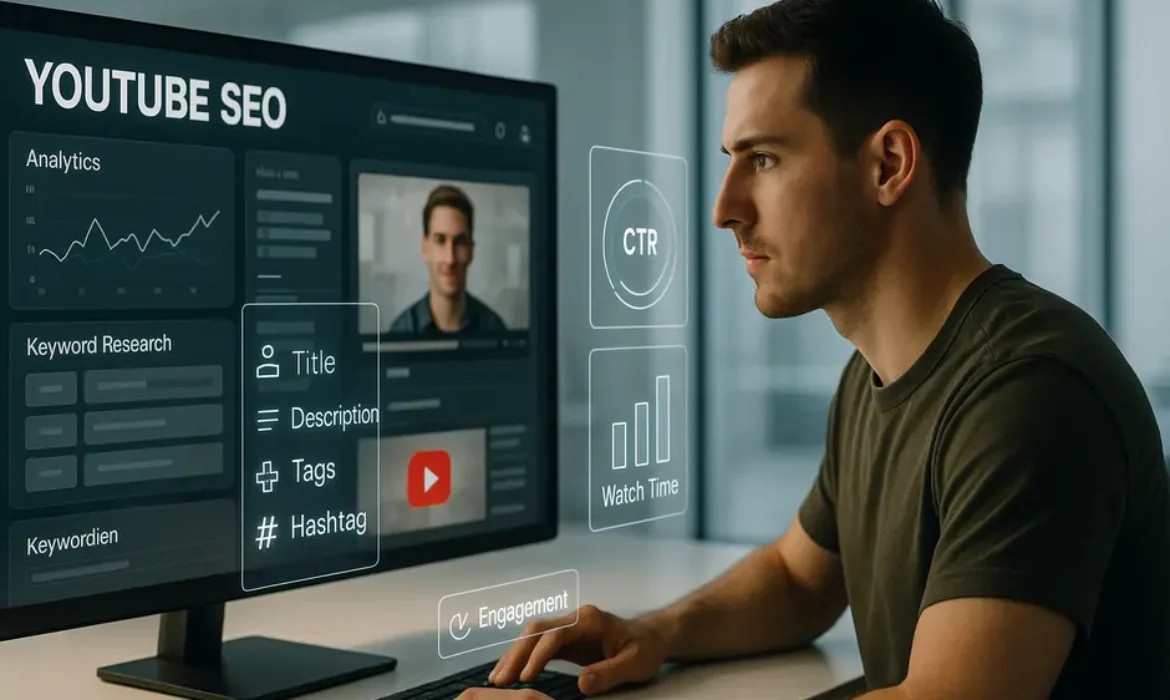
YouTube SEO in 2026: How to Rank Your Videos on the First Page
YouTube SEO in 2026: How to Rank Your Videos on the First Page
Estimated reading time: 16 minutes
Why YouTube SEO Still Matters More Than Ever
YouTube is not just a video platform. It is the second largest search engine in the world, processing more than 3 billion searches every month. People do not passively browse YouTube the way they scroll social media. They search with intent. They type questions, compare products, learn skills, and make purchasing decisions — all through the search bar.
In 2026, that behaviour has only intensified. With short-form content saturating every other platform, long-form instructional and informational video on YouTube has carved out a more valuable niche than ever. Viewers who land through search are more engaged, more likely to subscribe, and more likely to convert into customers or loyal followers.
And yet, most creators still treat YouTube SEO as an afterthought — a quick title edit, a few tags copy-pasted from a competitor, and a description that reads like a legal disclaimer. That approach will not get you anywhere near the first page.
This guide is written for the creator, marketer, or brand that is serious about sustainable YouTube growth. Not through tricks. Through genuine optimisation that aligns with how YouTube’s search ranking system works, what real viewers respond to, and how to build long-term topical authority on the platform.
How the YouTube Algorithm Actually Works in 2026
Before touching a single metadata field, it helps to understand what YouTube is actually trying to do. According to YouTube’s own Creator Academy, the platform’s recommendation and search systems are designed to connect viewers with content they are most likely to find satisfying — not just content they click on.
That distinction matters enormously.
Years ago, YouTube heavily rewarded click-through rates and raw view counts. Creators gamed it with sensationalised thumbnails and misleading titles. YouTube responded by shifting its ranking model toward viewer satisfaction signals. In 2026, the primary YouTube algorithm ranking factors look like this:
| Ranking Factor | What YouTube Measures |
|---|---|
| Click-Through Rate (CTR) | Percentage of impressions that result in a click |
| Watch Time | Total minutes viewed across the video |
| Average View Duration | How long viewers watch relative to total video length |
| Likes, Comments, Shares | Active engagement signals |
| Session Time | Whether your video leads viewers to watch more on YouTube |
| Post-Watch Survey Data | Viewer satisfaction ratings (rolled out more widely since 2024) |
| Search Relevance | How well your metadata matches the query |
| Recency | Freshness signals for time-sensitive topics |
Notice that metadata — titles, descriptions, tags — appears only once on that table, and only as a supporting signal. YouTube SEO is not just about optimising text. It is about optimising the entire viewer experience so that real people watch, engage, and come back.
With that foundation in place, here is how to get every element right.
YouTube Keyword Research: Finding What People Actually Search
Good YouTube keyword research is fundamentally different from Google keyword research. YouTube’s search intent is skewed heavily toward learning, entertainment, and product evaluation. Someone typing “how to fix a leaking tap” wants a step-by-step video walkthrough — not a blog post.
Start With YouTube’s Own Search Bar
The autocomplete in YouTube’s search bar is one of the most underused research tools available. Type your core topic and watch what appears. These suggestions are pulled from real historical search data. They represent actual phrasing patterns from real people searching on the platform right now.
If you are creating a video about home coffee brewing, typing “how to brew” into YouTube might surface suggestions like:
- how to brew coffee at home
- how to brew pour over coffee
- how to brew coffee without a machine
- how to brew espresso at home
Each of those is a potential video topic with a pre-existing search audience.
Use YouTube Studio’s Search Analytics
Once your channel has data, YouTube Studio shows you exactly which search terms are driving traffic to your existing videos. This is invaluable for identifying keyword gaps — topics related to your content that viewers are searching for but you have not yet covered.
Third-Party Research Tools
Tools like TubeBuddy and VidIQ offer dedicated keyword research features that show search volume, competition scores, and related keyword suggestions specific to YouTube. They also allow you to analyse what keywords your competitors are ranking for, which is genuinely useful for identifying content gaps.
Focus on Long-Tail Specificity
Broad keywords like “fitness” or “cooking” are dominated by channels with hundreds of thousands of subscribers and years of authority. For a newer or mid-sized channel, long-tail keywords — more specific phrases with lower competition — offer a far more realistic path to ranking on the first page.
“Home chest workout no equipment for beginners” will outperform “chest workout” every time in terms of ranking feasibility and conversion quality. The person searching the longer phrase knows exactly what they want, which means your video delivers precisely what they came for.
Video Title Optimisation: The First Impression That Wins Clicks
Your video title does two jobs simultaneously: it signals relevance to YouTube’s search system and it persuades a human being to click. Fail at either one and the video underperforms.
Structural Principles for Strong Titles
- Lead with the primary keyword or the most search-relevant phrase, ideally in the first three to five words
- Keep the total length under 60 characters where possible to avoid truncation in search results
- Use natural language — titles that read like a real sentence outperform keyword-stuffed strings
- Include a specific benefit, outcome, or qualifier that differentiates your video from similar ones
Examples of Weak vs Strong Titles
| Weak Title | Stronger Alternative |
|---|---|
| YouTube SEO Tips | YouTube SEO in 2026: How to Rank Your Videos on the First Page |
| Coffee Brewing Video | How to Brew the Perfect Pour Over Coffee at Home (Step-by-Step) |
| Weight Loss Workout | 20-Minute Fat Loss Workout for Beginners — No Equipment Needed |
| Email Marketing Guide | Email Marketing Strategy That Actually Grows Your List in 2026 |
Notice the pattern. The stronger titles include a timeframe or qualifier, a specific outcome, and a natural but precise primary keyword. They are informative before anyone clicks — which is exactly what both YouTube’s algorithm and real viewers respond to.
Avoid using ALL CAPS for dramatic effect. Avoid punctuation marks used manipulatively. And resist the urge to write something vague and “mysterious” — curiosity-gap titles have declining CTR performance as audiences grow more sceptical of content that fails to deliver on its premise.
Writing a YouTube Description That Actually Ranks
The video description is one of the most underutilised ranking assets on YouTube. Most creators write two or three vague sentences, drop a few links, and move on. Meanwhile, a well-crafted description of 200 to 500 words can meaningfully improve how YouTube categorises your content and how it surfaces in relevant search results.
The Structure That Works
The first 150 characters of your description appear in search results before the “Show more” fold. This is prime real estate. Use it to include your primary keyword naturally within a sentence that also explains the video’s value.
From there, the full description should:
- Expand on the video topic in two to three short paragraphs using natural language that incorporates semantic variations of your keyword — not repetitions of the exact phrase
- Include a timestamp section linking to video chapters (more on this shortly)
- Add relevant links — to related videos, your website, or credible external resources
- Use three to five hashtags placed at the very end, not embedded throughout the body text
YouTube’s systems read the full description to understand context. If your video is about YouTube SEO, a description that naturally references YouTube keyword research, video search ranking, YouTube Studio, and optimised video titles sends a much clearer topical signal than one that just repeats the exact phrase “YouTube SEO” six times.
Write the description the way you would write an article introduction — clearly, with context, as if you are explaining the video to someone who has not watched it yet.
YouTube Tags, Hashtags, and Chapters: The Supporting Cast
YouTube Tags
Tags carry less algorithmic weight than they did several years ago. YouTube itself has acknowledged that titles and descriptions are far more important for search ranking. But tags are still worth using correctly, particularly for clarifying ambiguous terms or common misspellings.
A sensible tagging strategy looks like this:
- Include your exact primary keyword as the first tag
- Add three to five close variations and related phrases
- Include your channel name or brand as one tag (this helps YouTube recommend your other videos)
- Keep total tags under 400 characters — quality over quantity
What you should not do is copy-paste 30 tags from a competitor and hope for the best. Irrelevant tags do not boost rankings; in some cases, they create topical confusion that can actually dampen performance.
Hashtags
Hashtags on YouTube serve a different purpose than tags. They create clickable links that connect your video to a hashtag search results page. Use three to five hashtags placed at the end of the description. These should be broad but relevant — #YouTubeSEO, #VideoMarketing, #ContentStrategy — not granular to the point of having zero search traffic.
Video Chapters
Chapters are generated by adding timestamps to your description in the format 0:00 Introduction, 1:45 Section Title, and so on. They serve multiple functions:
- They improve the viewer experience by allowing navigation within long videos
- They create individual chapter previews in Google search results, significantly expanding your search real estate
- They have been shown to correlate with higher average view duration, because viewers who skip to a relevant section are more likely to keep watching than viewers who abandon the video entirely
Chapters require a minimum of three timestamps, with the first always starting at 0:00. For videos over eight minutes, chapters are worth adding every time.
Closed Captions, Transcripts, and Why Google Loves Them
Closed captions are arguably the most overlooked technical element in YouTube SEO. YouTube’s auto-generated captions have improved considerably, but they still make errors — particularly with proper nouns, industry terminology, and spoken keywords that matter for search relevance.
Uploading a manually corrected SRT caption file means YouTube’s systems can index your spoken content with high accuracy. Every sentence you say in the video becomes readable, searchable text. For keyword-rich instructional content, this can meaningfully improve how YouTube categorises your video and how it appears in search.
Beyond SEO, accurate captions increase accessibility, which YouTube actively supports through its platform policies. They also improve viewer experience for people watching in noisy environments or in a second language.
Creating a transcript is straightforward. You can use tools like Otter.ai or Rev to generate an accurate transcript, clean it up, and upload it as a closed caption file through YouTube Studio. The time investment is modest. The payoff — in ranking, accessibility, and audience reach — is disproportionately large.
Search vs Suggested Traffic: Understanding Where Your Views Come From
One of the most strategically important distinctions in YouTube Analytics is the difference between search traffic and suggested traffic.
Search Traffic arrives when someone types a query and clicks your video from the results. These viewers have explicit intent. They clicked because your title and thumbnail matched what they were looking for. Search traffic tends to have lower watch time but higher subscriber conversion rates.
Suggested Traffic arrives when YouTube recommends your video alongside or after other videos. These viewers were not looking for you. YouTube placed you in front of them because its algorithm determined your content was relevant to what they had just watched. Suggested traffic tends to produce higher watch time but lower conversion.
Neither is inherently better. But understanding which one you are optimising for changes your strategy significantly.
| Traffic Source | Optimisation Priority | What Drives It |
|---|---|---|
| Search | Keyword relevance, CTR, title clarity | Metadata quality, search volume |
| Suggested | Watch time, engagement, topic clustering | Content relevance to popular videos |
| Browse Features | Thumbnail appeal, channel authority | Subscriber activity, trending signals |
| External | Off-platform sharing, embeds | Social sharing, backlinks, email |
For a new channel building authority in a niche, search traffic is the more reliable foundation. You can rank for specific long-tail queries without needing an established audience or viral momentum. As your library grows and engagement signals accumulate, suggested traffic tends to increase naturally.
YouTube Analytics: The Data That Tells You What to Fix
Publishing a video and walking away is a strategy that consistently underperforms. The creators who rank consistently on the first page treat each video as a hypothesis to be tested and refined.
Key Metrics Worth Monitoring
- Click-Through Rate (CTR): A CTR below 2% on search traffic usually points to a title or thumbnail problem. Above 5% is a strong signal. Above 10% is exceptional
- Average View Duration (AVD): A good benchmark is retaining at least 40–50% of viewers to the video’s end. Significantly below that, and the opening hook or content pacing needs work
- Audience Retention Graph: Identifies the exact moment viewers drop off. A sharp drop in the first 30 seconds is a hook problem. Gradual decline throughout is normal. Multiple sharp drops at the same point indicate a specific content or pacing issue
- Traffic Sources: As discussed above, understanding what proportion of your traffic comes from search versus suggested shapes your optimisation strategy
- Search Terms Report: Found under YouTube Studio > Analytics > Reach > Traffic Source: YouTube Search, this report shows you the exact queries bringing viewers to your videos. Use it to identify ranking opportunities and keyword gaps
Revisiting older videos with good watch-time data but low CTR can produce quick wins. Sometimes a title edit and a new thumbnail is enough to double a video’s monthly view count without creating any new content.
Tools Worth Using: TubeBuddy, VidIQ, and YouTube Studio
YouTube Studio
This is the non-negotiable starting point. YouTube Studio provides direct access to your analytics, caption upload functionality, card and end screen management, and the Search Terms report. Everything else is supplementary.
TubeBuddy
TubeBuddy is a browser extension that overlays keyword data, competition scores, and ranking suggestions directly within YouTube Studio. Its keyword explorer tool is particularly useful for identifying high-opportunity search terms before publishing. The A/B testing feature — available on paid plans — allows you to test multiple thumbnails or titles against each other to find what drives higher CTR.
VidIQ
VidIQ offers similar functionality with a stronger emphasis on competitor analysis and trend identification. Its “Daily Ideas” feature surfaces keyword opportunities based on your channel’s existing content, which is useful for consistent creators building topical depth.
Comparison at a Glance
| Tool | Best For | Free Tier Available |
|---|---|---|
| YouTube Studio | Analytics, captions, channel management | Yes (native) |
| TubeBuddy | Keyword research, A/B testing, bulk editing | Yes (limited) |
| VidIQ | Competitor analysis, trend tracking, channel audits | Yes (limited) |
Neither TubeBuddy nor VidIQ are magic ranking machines. They surface data and opportunities. What you do with that data — how you shape your content strategy, refine your metadata, and serve your audience — determines your actual results.
Key Takeaways
-
- YouTube is the world’s second-largest search engine. Treating it like one — rather than just a video hosting platform — fundamentally changes how you approach content creation and optimisation
- The YouTube algorithm in 2026 prioritises viewer satisfaction signals: watch time, average view duration, engagement, and session continuation. Metadata is important but it is a supporting signal, not the primary one
- Keyword research for YouTube starts with the platform’s own search bar autocomplete and is deepened with tools like TubeBuddy, VidIQ, and YouTube Studio’s Search Terms report
- Your video title should lead with the primary keyword, stay under 60 characters, and make a clear promise to the viewer. Clever is less effective than clear
- The first 150 characters of your description appear in search results. Use them wisely
- Chapters, accurate closed captions, and semantically rich descriptions all contribute to search ranking beyond the metadata basics most creators focus on
- Understanding the difference between search traffic and suggested traffic changes how you prioritise and optimise your content strategy
- Returning to older videos to update titles, thumbnails, and descriptions based on Analytics data is one of the highest-ROI activities available to any channel
FAQs
1. How long does it take for a YouTube video to rank on the first page?
It depends on keyword competition, channel authority, and early engagement signals. For low-competition long-tail keywords, a well-optimised video from a reasonably active channel can reach page one within 24 to 72 hours. For broader, more competitive terms, it may take weeks of accumulated watch time and engagement before rankings improve. Investing in a strong first 48-hour push — sharing the video across email lists, social channels, and communities — accelerates early engagement signals and can meaningfully improve how quickly YouTube surfaces the video in search.
2. Do YouTube tags still matter for search ranking in 2026?
Tags play a reduced but still relevant role. YouTube has indicated publicly that titles and descriptions carry far more weight in its search ranking model than tags. However, tags remain useful for clarifying content context — particularly for topics where terminology varies widely — and for helping YouTube associate your video with your other content through your channel name tag. Use them thoughtfully rather than exhaustively.
3. What is the ideal length for a YouTube video for SEO purposes?
There is no universally ideal length. The right length is whatever it takes to thoroughly cover the topic without padding. That said, videos between 8 and 15 minutes tend to perform well in search because they are long enough to enable chapters, accumulate meaningful watch time, and cover topics with depth — all of which send positive signals to YouTube’s ranking system. For highly competitive keywords, longer and more comprehensive videos (15 to 25 minutes) often outperform shorter alternatives because they demonstrate depth and keep viewers on YouTube longer.
4. How important are thumbnails for YouTube SEO?
Thumbnails do not directly influence YouTube’s search ranking algorithm, but they have an enormous indirect effect through click-through rate. A higher CTR means more viewers choosing your video from search results, which is a strong positive signal to YouTube’s system. A compelling, relevant thumbnail that accurately represents the video’s content will consistently outperform a generic or misleading one. Think of the thumbnail as part of the search result package — title plus thumbnail together determine whether someone clicks.
5. Should I use all five hundred characters for my video description?
You do not need to fill every character, but a description between 200 and 500 words is generally more effective than one of three sentences. The goal is not length for its own sake — it is providing sufficient context for YouTube to understand your content and for viewers to understand what they are about to watch. A well-written description that naturally incorporates semantic variations of your topic, includes chapter timestamps, and links to relevant resources will outperform a longer but unfocused one every time.
6. Does adding closed captions actually help YouTube search ranking?
Yes, measurably. Uploading accurate closed captions gives YouTube a word-for-word transcription of your spoken content, which it can index for search. For videos with strong keyword density in natural speech — tutorials, reviews, explainers — this can noticeably improve relevance signals for relevant search queries. YouTube’s auto-generated captions are better than they were, but they still make errors on technical terms, proper nouns, and non-standard pronunciation. Correcting those errors before upload ensures your spoken keywords are indexed accurately.
7. What is the difference between YouTube SEO and Google SEO, and do they affect each other?
They share foundational principles — keyword relevance, content quality, engagement signals — but operate through distinct systems. Google indexes YouTube videos and can rank them in its own search results, particularly for how-to and tutorial queries. A video that ranks well on YouTube often appears in Google search as well, effectively doubling its search visibility. However, optimising for both simultaneously is straightforward: a well-optimised YouTube video with a strong title, detailed description, chapters, and accurate captions tends to perform well in both environments. The two are complementary, not competing.
Conclusion
YouTube SEO in 2026 is not about gaming an algorithm with tricks and shortcuts. It never really was. The channels that consistently rank on the first page are the ones that take the time to understand what their audience is searching for, create video content that genuinely delivers on that intent, and then optimise every metadata element to communicate that value clearly to YouTube’s systems.
Every section of this guide addresses a real lever. Keyword research guides your content planning. Title and description optimisation communicates relevance. Chapters and captions improve both the viewer experience and search indexing. Analytics tells you what is working and where to improve. And understanding the mechanics of search versus suggested traffic lets you build a coherent, sustainable growth strategy rather than chasing unpredictable spikes.
The first page on YouTube is not reserved for the biggest channels. It is available to any creator willing to do the work properly.
Published for content marketers, YouTube creators, and digital strategists seeking a comprehensive, up-to-date approach to YouTube search ranking.